Using AI to Vibe Code Your TV Is Stupid
Replacing a frustrating TV interface with a custom operating system sounds appealing. But AI isn’t the shortcut some social media posts suggest: you can strip away clutter without asking an AI agent to rewrite your TV, and doing so may avoid problems that could leave the set unusable.
TV software has plenty to answer for. Interfaces have grown crowded, ads are common, and the tracking practices built into many sets have drawn warnings from Geoffrey Morrison and other writers. CNET has covered how TV spying works and what you can do about it. The frustration is real. The claim that AI is uniquely equipped to solve it is much harder to defend.
Posts on X, formerly Twitter, and discussions elsewhere describe using AI to “vibe code” a cleaner TV experience: fewer ads, less tracking, and a faster, simpler interface. Here’s the thing: those benefits don’t require AI, and handing the job to an AI agent could introduce serious software problems. A TV that stops working properly is a steep price for a tidier home screen.
What people mean by “vibe coding”
Vibe coding means asking an AI system to help write—or produce most of—the code for an app, website, or other software. Rather than learning a programming language, the user describes the desired result in ordinary language and lets the AI generate something close to it.
In the TV examples making the rounds, people say they’re using AI agents, often Claude, to build a replacement operating system. They promise a quicker, easier interface without ads. That may sound like a clever fix, but the available claims don’t explain what the replacement software changes under the hood—or what happens when it breaks.
The problem with the pitch
AI isn’t doing anything essential here. The goal is to make a TV less annoying, and there are ways to address clutter, advertising, and tracking without asking a model to write a new operating system. If you’re considering a custom build, the risk deserves more attention than the AI label: software changes at the operating-system level can affect whether the TV works at all.
Changing a TV’s software can create problems that are hard to undo
A custom TV interface may sound like a small project. Underneath, though, a television’s software is complicated enough that a seemingly minor change can break something unrelated. One TV engineer I interviewed, who asked not to be named, laughed when I asked about modifying a set’s software. He said fixing one bug can trigger a dozen others in unexpected places. Reports of people bricking their TVs suggest the risk is already real.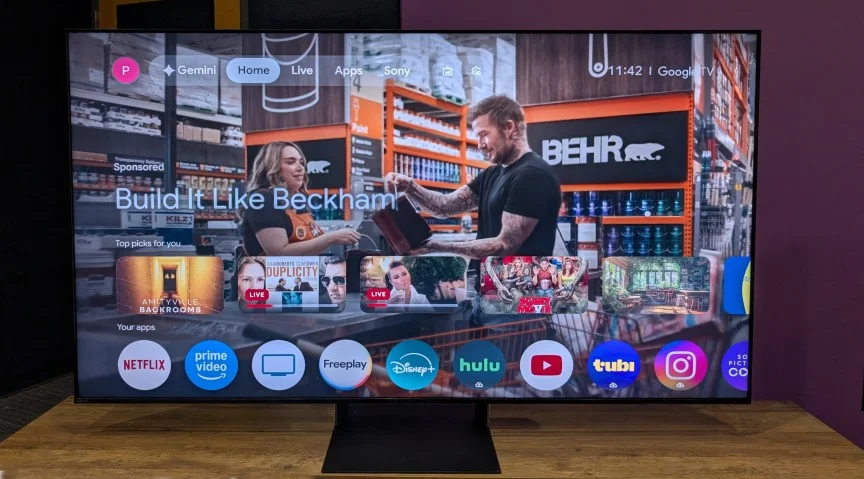
Try a launcher before rewriting the TV
The simpler option is already available on Android TV: install a different launcher, which replaces the home screen. These apps are generally easier to customize than Google TV’s built-in interface and don’t require generating a new operating system.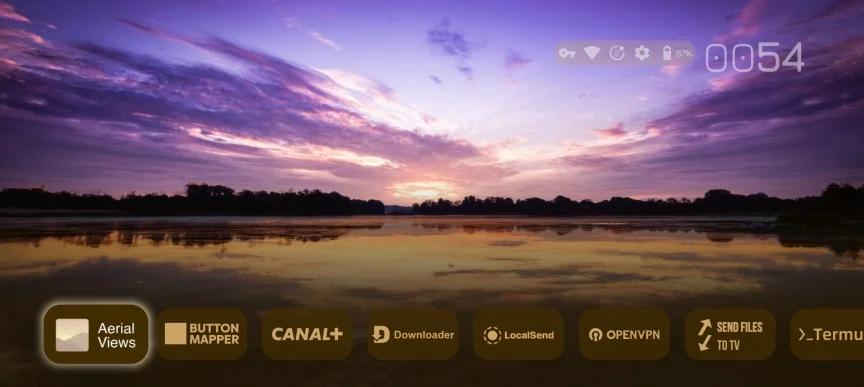 Projectivy Launcher
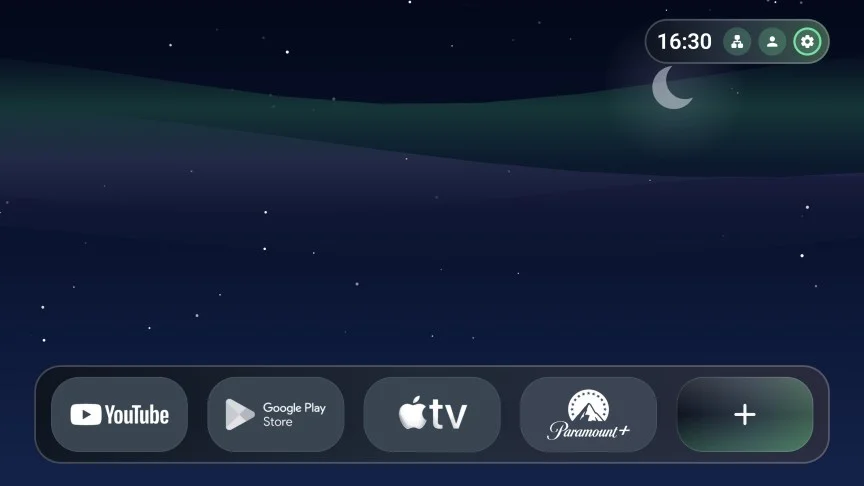 Monet Launcher
Privacy has no easy switch
There’s an awkward trade-off in handing personal information to an AI service to try to stop a TV from collecting personal information. If you’re worried about tracking, remember that there’s no simple way to make it disappear. You can limit it, or take stronger steps such as using [Pi-hole](https://www.zdnet.com/article/home-wifi-setup-ways-to-improve-security/) or keeping the TV offline. But an internet-connected streaming device can collect data too. [Apple TV 4K](https://www.cnet.com/tech/home-entertainment/apple-tv-4k-vs-roku-whats-the-best-streaming-platform/) tracks less than some alternatives, though it’s not tracking-free.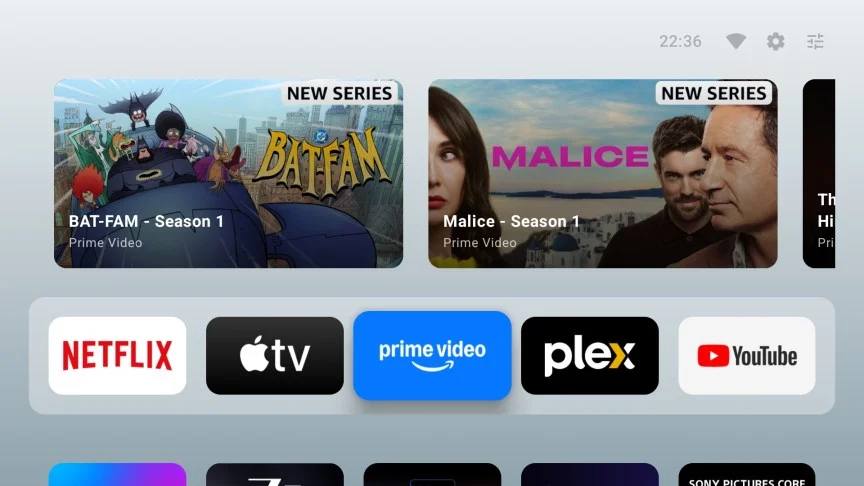 AT4K Launcher


