Ring’s cameras already do more than record a doorstep. A lesser known app store lets outside developers use their AI features for tasks that range from tracking garden growth to documenting suspected rule breaking. That’s more significant than it may sound: a tool sold as a way to manage property can also turn neighborhood cameras into a reporting system, with real questions about accuracy and privacy.
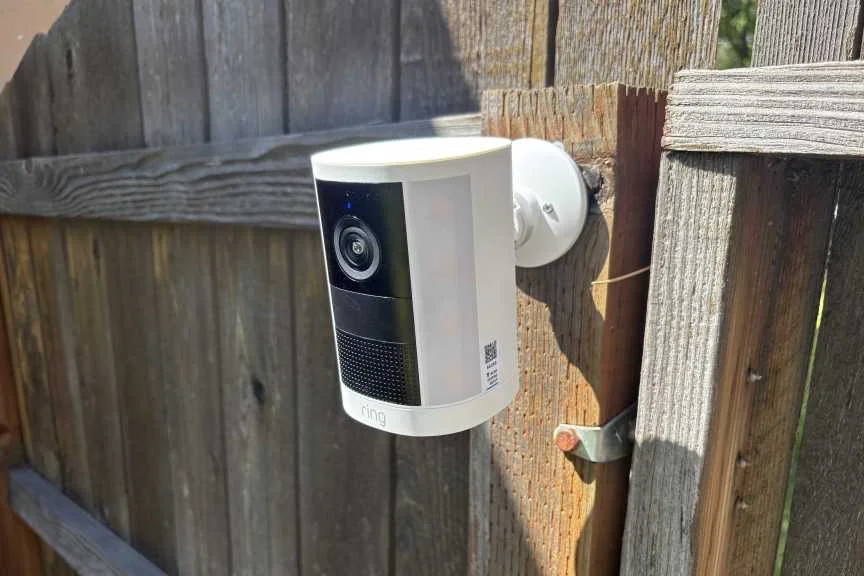
I’ve covered Ring’s latest features, including AI functions such as facial recognition. Those capabilities have also drawn privacy lawsuits. The third-party app catalog adds another layer: developers can build on Ring’s object recognition to monitor scenes for purposes a standard security camera or video doorbell wouldn’t ordinarily serve.
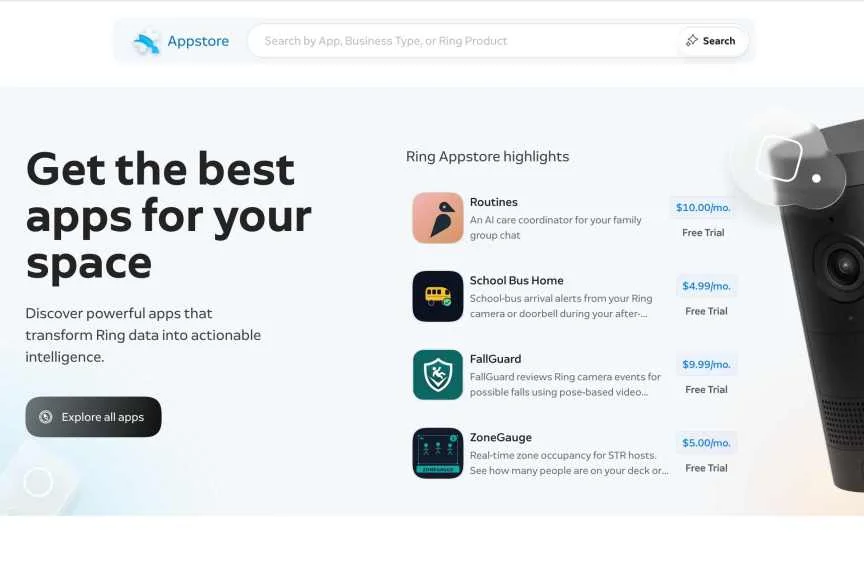
I’m testing some of these apps to understand what they do. If you own a Ring device—or live near one—it’s useful to know that these tools exist. Some are relatively mundane; others can push toward Flock-style neighborhood surveillance. Most require a Ring subscription plus another monthly charge, often a few dollars. The examples below show what the software claims to do, and where its uses may raise legal or privacy concerns.
Flagging trash and dumpster dumping
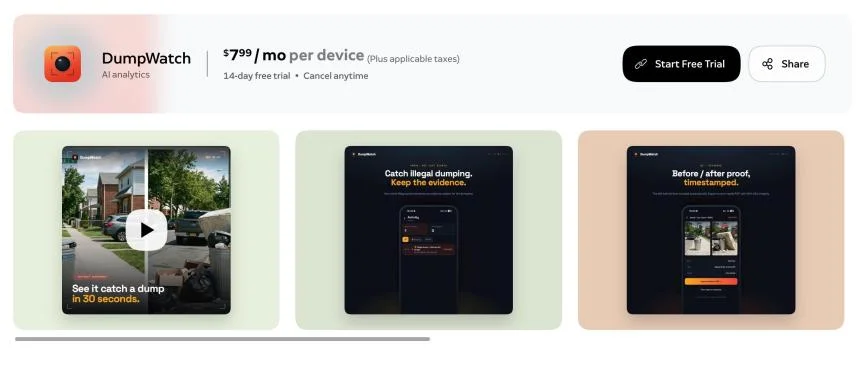
DumpWatch is aimed at people trying to document illegal dumping. For about $8 a month, it uses Ring’s AI to flag large amounts of waste in view of a camera, save footage and produce a timestamped PDF for a complaint or police report.
There’s a basic reliability problem here: the app’s examples include bins left out for pickup and extra bags beside bins, both of which may be normal or permitted locally. A camera can record an event; that doesn’t establish that anyone broke a rule.
Checking lawns and gardens for HOA rules
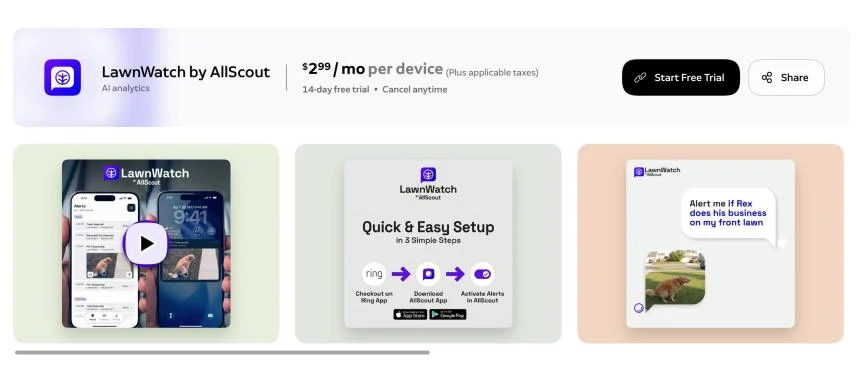
For about $3 a month, LawnWatch monitors properties for possible HOA violations, including toys left on a lawn or dog waste that hasn’t been cleaned up. Greenlapse takes a less enforcement-minded approach, tracking grass and plant growth over time to help someone follow their own landscaping projects.
Using a camera to check your own yard is one thing. Pointing it at a neighbor’s property to gather evidence for an HOA complaint is another, and could raise privacy-law issues. The rules depend on the circumstances, but the safer use is straightforward: monitor your own property and use the information to head off complaints, rather than turning a neighbor’s lawn into a surveillance target.
Monitoring rental guests and tenants
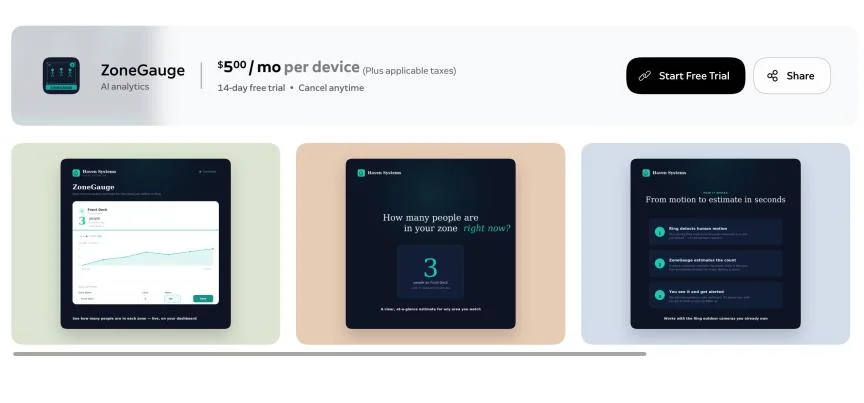
Ring’s app store includes tools built for landlords and short-term rental hosts. Some are designed to monitor tenants and rental guests. ZoneGauge, for $5 a month, counts how many people are in a space over time, which could alert an owner to a gathering. GuardCat costs $8 monthly and uses AI to turn camera activity into reports about guest departures, cleaning visits and alleged “house rule violations.”
Here’s the boundary: Airbnb and other companies have banned indoor security cameras. These monitoring apps shouldn’t be used inside a rental. Camera analytics can quickly become tenant surveillance, even when the software presents itself as a way to manage a property.
Pet health and wildlife
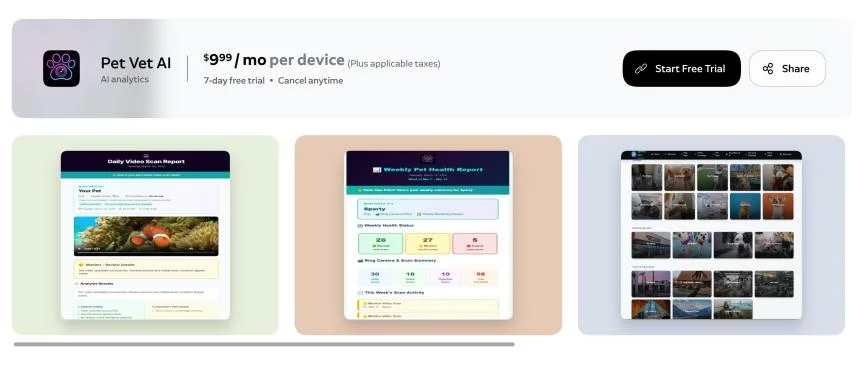
AI pet monitoring is already available in pet cameras and tracking collars. Ring’s Pet Vet AI offers another route for $10 a month: it reviews snapshots for signs such as limping, vomiting or unusual sleeping locations, then sends owners a summary. The app says it supports birds, reptiles and fish as well. I’m skeptical that current pet AI can provide useful health analysis for those animals; the claims go beyond what I’ve seen these systems do well.
YardWild takes a lighter approach, using Ring camera night vision to identify wildlife around a property. It filters out people and birds, both to limit alerts and to protect privacy.
Workplace attendance and reports
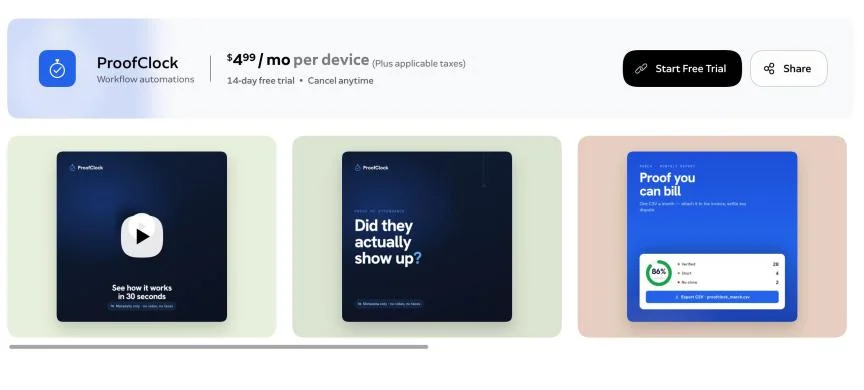
Some Ring apps reach well beyond household security. ProofClock and TimeStack target construction, freight and related fields, recording when crews arrive and how long they stay—even when the camera owner isn’t on site. They can also produce uptime and service-level reports. The pitch is efficiency; the risk is treating camera-based AI as a dependable record of hours worked. Ring’s AI can make mistakes, so using it to inform payroll is a serious step.
Bird identification
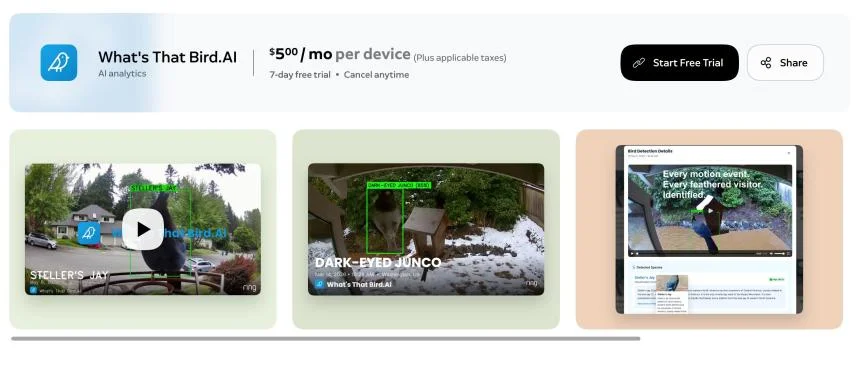
If you already have a Ring camera pointed at a feeder or birdbath, What’s That Bird.AI can capture bird images and attempt to identify the visitors for $5 a month. We’ve tested many bird feeder cameras that offer similar recognition with mixed results. And some dedicated options, including Birdbuddy feeders, provide identification without a separate monthly fee. If you’re willing to buy a purpose-built camera, the Ring subscription is a harder sell.
Compatibility, privacy and value
Compatibility depends on the app. Its download page lists the requirements: some tools support most Ring cameras, while others need a wired device, a newer camera from roughly the past year, or both.
Ring’s app privacy listings are useful because they spell out what each developer says it collects. Depending on the app, that can include motion events, an email address or access to a camera’s live view. Developers can also disclose whether they use collected data to train AI models. Check those details before installing anything that analyzes footage.
These apps are generally intended for private property and places where people have a low expectation of privacy. The ones covered here can detect people, but I haven’t seen facial recognition or similar features that would obviously raise additional legal concerns. That doesn’t make every use appropriate, and the rules can depend on where and how a camera is used.
Don’t treat an AI alert as proof when deciding to file a complaint or take action against someone. These tools can be wrong, and their subscriptions add up: Mailbox Alert, for example, charges $5 a month just to notify you when mail arrives. For most people, that’s a poor trade. Pet analysis could be an exception if it replaces a pricier pet camera service, but the claims still merit a healthy dose of skepticism. The useful question is not simply which Ring apps exist; it’s what they can see, what they do with that information, and whether the monthly fee earns its place.


