The new MacBook Pro with PROLED XDR could make a longtime iPad Pro user rethink their primary computer. Its display and touch support bring features associated with Apple’s tablets to the Mac, while the absence of cellular leaves a practical gap for people who work away from dependable Wi-Fi. That tradeoff gets at a larger question for anyone choosing between the devices: can a Mac take on the parts of the iPad experience that matter most without losing the freedom to work anywhere?
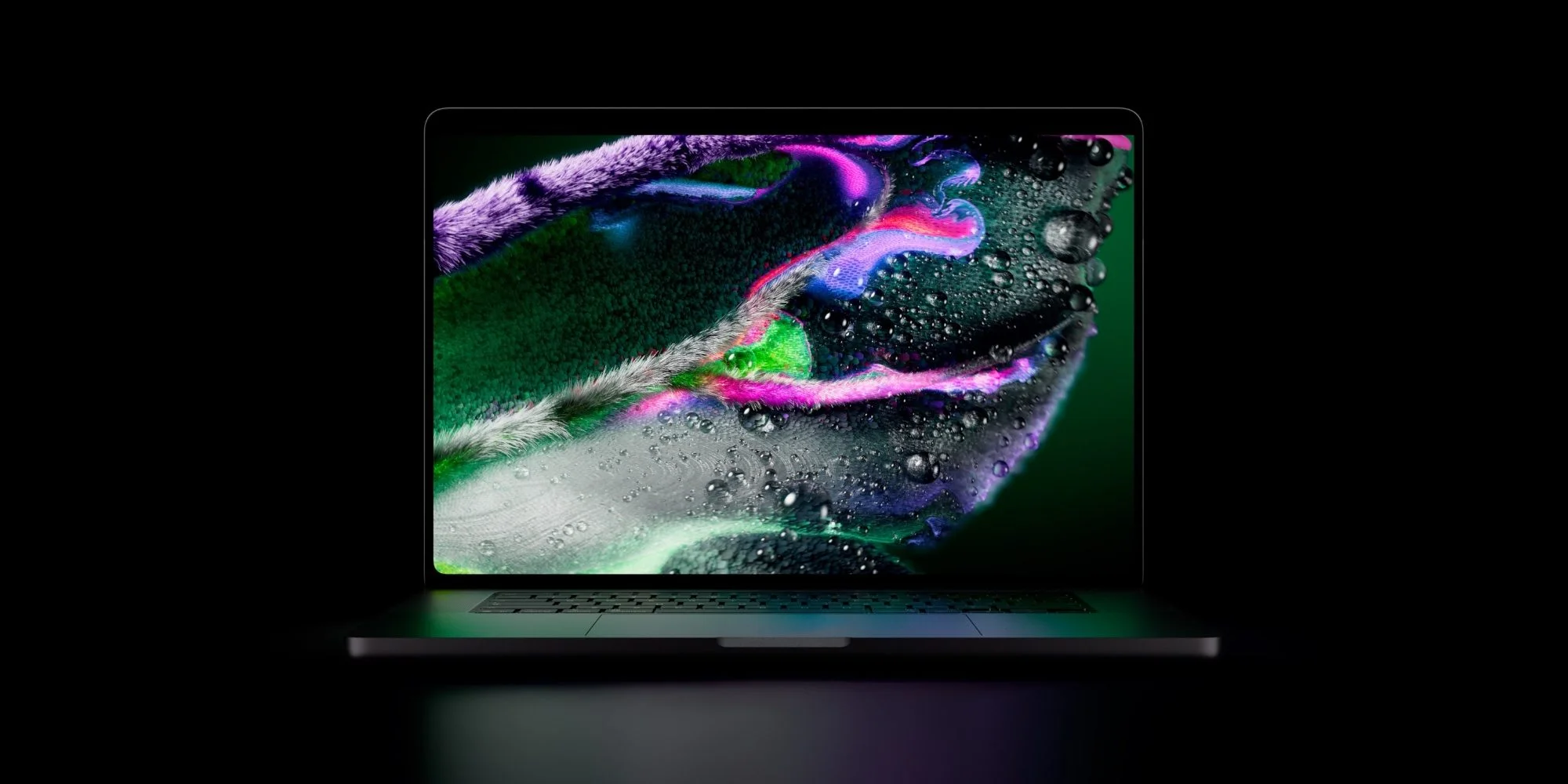
The new MacBook Pro with PROLED XDR has prompted me to order a Mac for the first time in years. I’ve relied on an iPad Pro as my main computer since 2015, but Apple’s recent progress across Mac hardware and software has made switching back feel more appealing. The decision isn’t a rejection of the iPad. It reflects how the Mac is starting to address priorities that once made a tablet the more natural fit for my work.
Mac features that match my iPad priorities
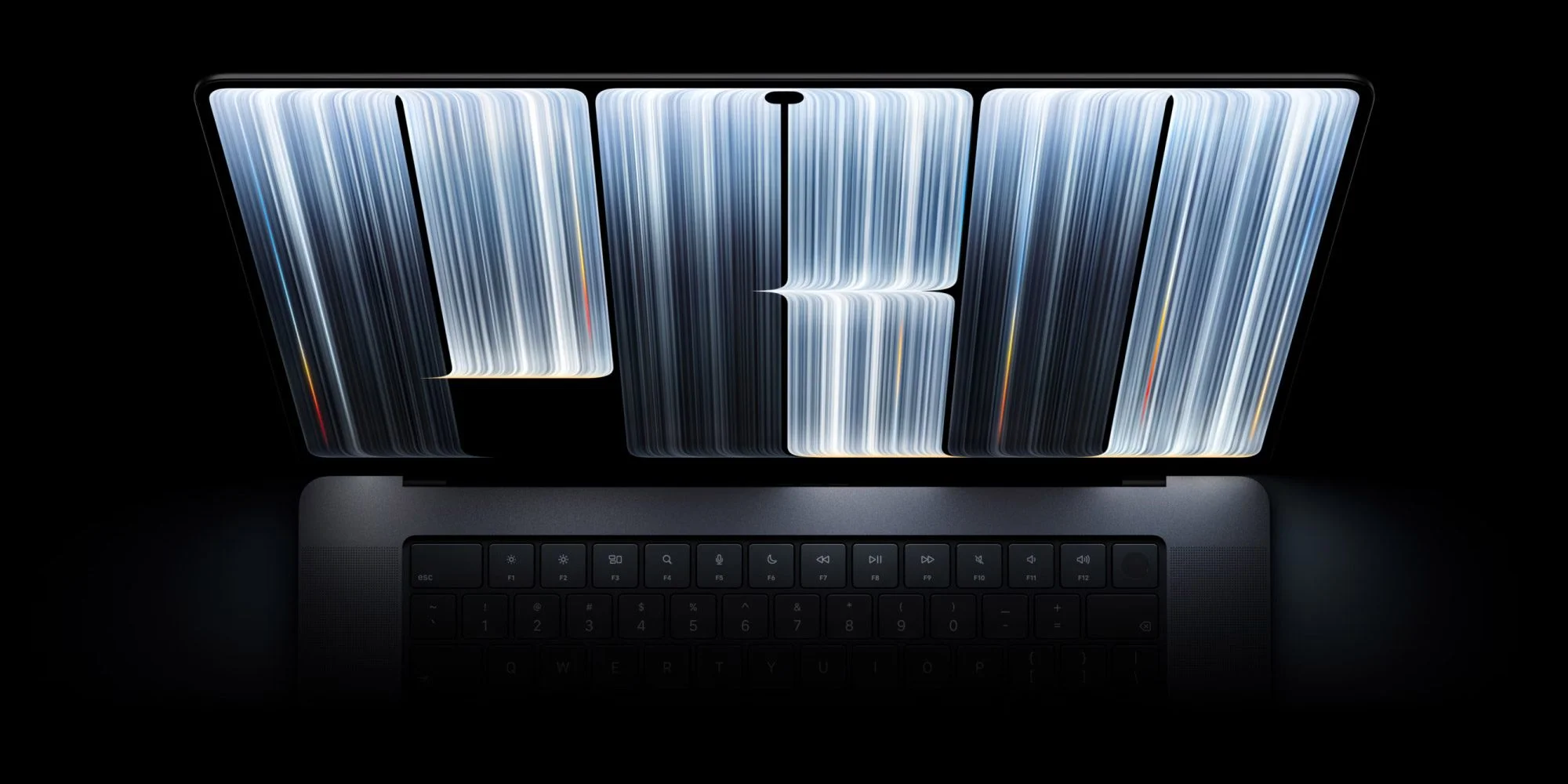
My interest isn’t driven by a need for more processing power. My workload is modest, so a faster chip alone wouldn’t justify changing the computer I use every day. What I value is a strong display, touch interaction and current software features, all in a portable computer. The iPad has set that bar for me for years, with OLED and touch in a relatively thin, light design. Those qualities shape how comfortable and immediate a device feels during ordinary work, not just how it performs in demanding tasks.
For a long time, Apple’s newest features seemed to arrive first on iPhone and iPad, apart from chips aimed at demanding professional work. That picture has begun to shift, with macOS also picking up ideas that have advanced alongside iOS. The new MacBook Pro looks like a particularly meaningful step in that direction because it brings the display and touch experience closer to what I’ve come to expect from an iPad. Whether that translates into a better daily computer will depend on how those features work in practice, not simply on their presence in the specifications.
Here’s the thing: a Mac that combines the display and touch experience I want with the flexibility of macOS could earn a place in my daily setup. macOS offers a different way to work from iPadOS, and that difference may matter when I need the broader flexibility of a laptop. I’m ready to see whether it can take over from my iPad Pro. A promising feature list is a reason to try the switch, but sustained use is what will decide it.
Cellular remains the missing piece
My main hesitation is connectivity. I often work for several hours in coffee shops or outdoors, where public Wi-Fi hasn’t been dependable enough. Cellular on my iPad Pro gives me a connection wherever I’m working, and I’d like the same option on a MacBook Pro. This isn’t a minor convenience when work stretches across locations: a laptop can have the right screen and software and still be less useful if getting online depends on a network I can’t count on.
Apple says its N1 wireless chip improves Personal Hotspot, which may make tethering a more practical substitute. The company has described advantages of the N1 chip, but I’ll need to try the hotspot in my usual work settings before I know whether it closes the gap. A feature claim can suggest that the connection is easier to use; it can’t establish whether the experience holds up over a long work session in places with uneven service. If you’re working in this space, that distinction between having a workaround and trusting it deserves attention.
A tablet-sized iPhone Duo could also offer another way to get online when I need to work from an unexpected stop. That might be enough for occasional use, though it wouldn’t match having a built-in connection on the laptop. It would mean relying on another device and its hotspot when I’m away from Wi-Fi, adding a step to a setup that cellular on the iPad keeps simple. For someone who only needs mobile access now and then, that compromise may be acceptable. For regular work on the move, it’s a more consequential limitation.
What the switch will actually test
Even with that limitation, the MacBook Pro looks like a strong candidate for my next primary computer. Its price is a factor, and the lack of cellular matters for the way I work. The numbers here are underwhelming if the purchase is judged only by extra computing power, since that isn’t what I’m looking for. The case for switching rests on whether the screen, touch controls and macOS together make everyday work feel better enough to justify the cost.
This is more significant than it looks. A Mac that satisfies someone who has spent years choosing an iPad for its display and portability would suggest that the two product lines are meeting closer to the same set of needs. That doesn’t make them interchangeable; the connection options alone show why a tablet may still be the better fit in some situations. And yet. The real test will be whether the MacBook Pro’s new display and touch experience make the switch worthwhile—and whether hotspot can keep me connected through a day away from reliable Wi-Fi.


