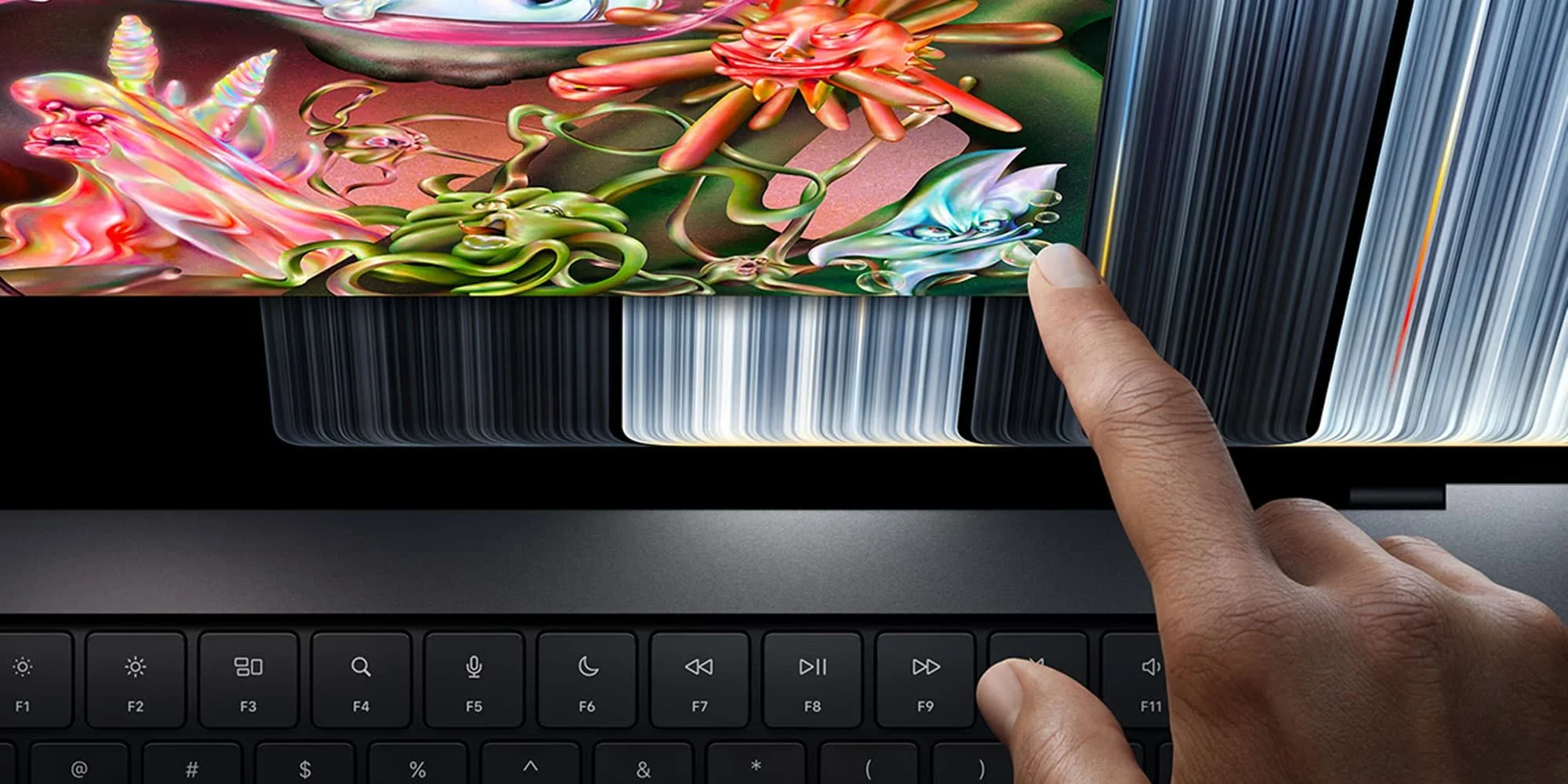
Apple’s touchscreen MacBook Pro makes a more useful choice possible: buyers can pay for the new display and design, or stick with the non-touchscreen M5 Pro and M5 Max models. That flexibility may matter more than the touch feature itself, especially for people upgrading to gain performance. A new Mac can be appealing for several reasons at once, but a buyer shouldn’t have to pay for a design change just to get access to the chip they want. Here, Apple’s decision to keep both lines on sale gives customers room to prioritize.
A choice between new features and performance
I’m not especially eager for a touchscreen Mac, though I can see why it’ll appeal to many users. The new model goes on sale starting November 6. My own priority is a faster Mac: my 2023 16-inch MacBook Pro with M2 Pro still does good work, but its 16GB of RAM is beginning to feel limiting. That’s a familiar upgrade dilemma: a computer can remain capable in everyday use while one specification starts to constrain the work you want to do. In that situation, a new display may be pleasant, but it doesn’t solve the problem that sent you shopping.
Ahead of the launch, rumors pointed to a revamped MacBook Pro, but disagreed about which chips it would use. Reports on the potential overhaul and its OLED display included one account of the redesign, a report about possible M6 Pro and M6 Max exclusivity, and a later claim that Apple would skip those chips. Another report outlined Apple’s product roadmap, while a preview highlighted a potential drawback. Taken together, the reporting created uncertainty about whether the redesign would arrive with a meaningful performance change or mainly a new physical experience. That distinction matters because buyers often treat a major redesign as a signal that the whole machine has moved forward, even when the underlying performance tier hasn’t.
I’d accepted that the touchscreen model might use the same chips as the current non-touch line, but hoped Apple would add more performance to make its rumored $400 premium easier to justify. The reported price and cooling changes had left room for that possibility. A revised cooling system can matter when a computer is under sustained load, since heat affects how a processor can operate over time. But a cooling change isn’t, by itself, evidence of a faster chip or higher performance. Buyers who care about demanding workloads will need to see how the machine behaves in reviews, rather than infer a speed boost from the new design.
The new MacBook Pro with PROLED XDR Display has the same performance as the non-touchscreen models. Its redesigned thermal system might allow it to run faster, but the changes appear aimed more at cooling the display than at improving heat dissipation. Reviews will show whether that distinction matters in practice. For now, the safest reading is that Apple is charging for a different feature set, not a stated performance step up. That’s a meaningful difference when the premium is being weighed against memory, storage, or another configuration choice.
Keeping the non-touch models changes the trade-off
That makes Apple’s decision to keep selling non-touch M5 Pro and M5 Max MacBook Pros a welcome surprise. When Apple introduced the Touch Bar in 2016, buyers seeking a more powerful Mac or a 15-inch model had to accept the feature and pay more: $300 extra for the 13-inch Touch Bar model or $400 for the redesigned 15-inch version. This time, customers can choose between the new hardware and the existing performance tier. The comparison isn’t exact, since the products and their features differ, but the underlying consumer issue is similar: when a company bundles a new interface with a desirable configuration, buyers can lose the ability to choose only what they value.
There’s plenty to like in the new machine: a tandem OLED display, improved thermal performance, a thinner and lighter build, slimmer bezels, redesigned audio, Dynamic Island, and the return of the glowing Apple logo on the lid. And, yes, it has a touchscreen. Apple’s executive has also spoken about the decision to bring touch to the Mac. These are changes to how the computer looks, feels, and responds, not all of them reasons to upgrade for every owner. A thinner build or different display may be compelling to one person and irrelevant to another. Touch could prove useful in particular workflows, but its presence alone doesn’t establish that Mac users have been waiting for it.
Here’s the thing: a bundle of visible changes can make a product feel like a bigger leap than its performance specifications suggest. That perception isn’t automatically misplaced; screens, weight, and interaction affect daily use. Still, buyers should judge those improvements against what they actually do with the computer. This is more significant than it looks: Apple has made the feature premium optional, so customers can distinguish between wanting the redesigned Mac and needing a faster one.
Those additions could make a $400 premium reasonable for buyers who want the new design. But if faster performance is the main reason to upgrade, the non-touch models offer the same listed performance for effectively $400 less—or leave that money available for a higher-spec configuration. If you’re working in this space, that’s the practical question to ask: does the new screen and body change your day enough to outweigh spending the same budget on the specifications you need? The answer will depend on the buyer, but the choice is clearer when the performance tier is held constant.
What the choice means for buyers
Apple’s lineup also makes the upgrade decision easier to frame. One path buys a new interaction model and a redesigned computer; the other keeps the focus on the established hardware and its performance. For a buyer whose current Mac is limited by memory, a higher-spec configuration may do more to address the immediate bottleneck than a touchscreen. For someone who spends long days with the display or values a thinner, lighter machine, the premium could be easier to defend. Different priorities. Same basic decision: what will make the machine more useful after the novelty wears off?
That said, the thermal changes leave a question that specifications alone can’t settle. If the revised system helps the touchscreen model sustain performance under demanding work, that could add practical value even if the listed performance is the same. If its main purpose is to manage the display, buyers shouldn’t assume it makes the computer faster. Reviews will provide the evidence. Until then, the sensible expectation is that the two options share a performance tier while offering different hardware experiences.
Waiting for a future M7 generation might bring a better upgrade, but waiting for an ideal moment is how I ended up considering a new Mac in the first place. Apple’s current lineup gives buyers a practical choice today: pay for the display and design changes, or put the budget toward the specifications that matter most. The new model may still prove worthwhile for people who value its physical changes. For anyone shopping primarily to gain performance, the non-touch models make the case for restraint—and a more targeted purchase—without requiring a wait for an unannounced future machine.


