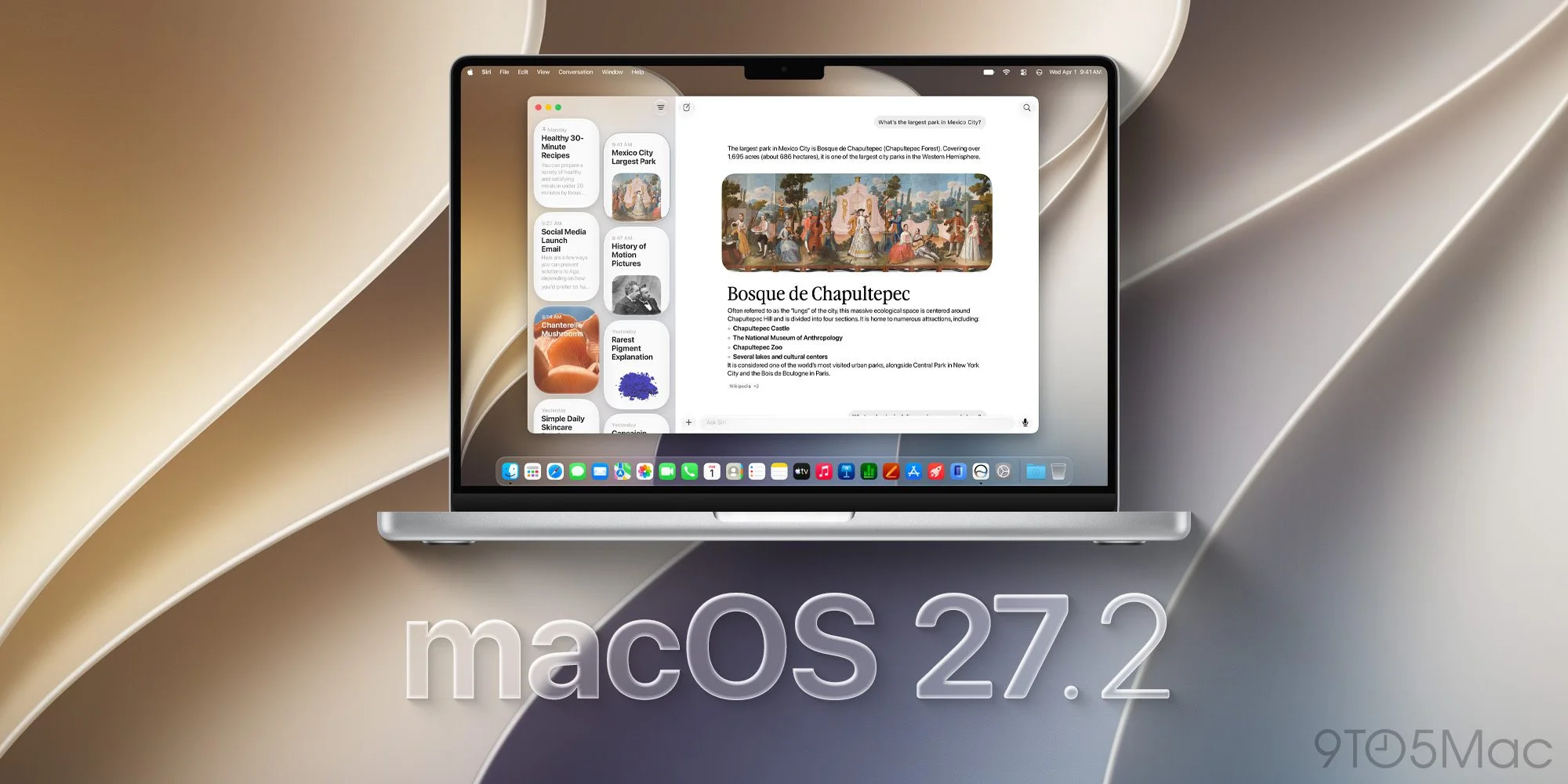
The practical story in macOS 27.2 Golden Gate is a broader reach for Siri AI and a set of fixes that matter to developers. Apple has released the update alongside its other 27.2 operating system versions, adding French, Japanese, Korean, Portuguese and Spanish to Siri AI, which launched in English with macOS 27. The five-language expansion was announced at Apple’s “Surprise and Shine” event last September. Apple previously outlined the language additions.
What changes for Mac users
The release notes record fixes for Xcode code completion crashes seen during the macOS 27.2 beta, along with three StoreKit Testing corrections. Those address delayed intro offer eligibility resets after SKTestSession.clearTransactions(), storefront and locale changes failing to reach Storefront.updates, and error dialogs appearing after failed test purchases even when dialogsDisabled is enabled.
There are still documented issues to watch. External displays may not retain their settings correctly, and their arrangement can change. After a clean installation, some Macs might not ask users to enable notifications for apps including Calendar, Maps, Find My, Home and Weather; Apple’s stated workaround is to enable them manually in System Settings > Notifications. Shortcuts’ “Describe a Shortcut” feature may also return the error “Something went wrong. Try again later.”
For developers, the macOS 27.2 SDK is bundled with Xcode 27.2. Apple has also removed the AppKit user default EnablePasteboardPrivacyDeveloperPreview. StoreKit Testing retains one known issue: an in-app purchase for a subscription in a bundle may incorrectly allow the user to unbundle instead of returning an error.
Interface clues and smaller changes
Beyond the release notes, macOS 27.2 adds gesture recognition tools to several built-in apps. The additions may point toward Apple’s planned touchscreen MacBook Pro, which the source report says is expected to be announced Wednesday at the “Pro and Tell” event.
Apple Music also gets a black-and-white app icon, replacing its red-and-white design. The switch lands as Apple introduces a colorful logo inspired by sound, though it’s not clear whether that branding will become the app icon. Apple took a similar approach with the Apple TV rebrand.
Update and build details
A beta bug that made windows in Electron-based apps intermittently ignore dragging attempts appears to have been fixed in the Release Candidate. The RC used a different build from the public release, which is 26B123. Mac users with beta updates enabled may need to turn them off before the new build appears in Software Update. The Release Candidate was available last week.
Apple’s release notes also list fixes for Xcode and StoreKit alongside the remaining known issues. The public notes don’t identify security fixes, so the listed changes are the clearest guide to what this release delivers.
Release notes: macOS 27.2
The SDK supports development for Macs running macOS 27.2 Golden Gate and is included with Xcode 27.2. Apple’s Xcode 27.2 Release Notes describe its compatibility requirements.
General
Resolved Issues
- Xcode code completion could crash on the macOS 27.2 beta. Apple lists this as fixed. (186939138)
AppKit
Deprecations
- The
EnablePasteboardPrivacyDeveloperPreviewuser default has been removed. (186955507)
Display Settings
Known Issues
- With an external display connected, settings may not restore properly and the display arrangement may change. (188643179)
Notifications
Known Issues
- On Macs with a clean installation of this build, some apps—including Calendar, Maps, Find My, Home and Weather—may not prompt for notification permission. Workaround: Turn on notifications for affected apps in System Settings > Notifications. (187312007)
Shortcuts
Known Issues
- “Describe a Shortcut” may fail with “Something went wrong. Try again later.” (187499433)
StoreKit Testing in Xcode
Resolved Issues
- Intro offer eligibility now resets immediately after
SKTestSession.clearTransactions(). (183933307) (FB24137836) - Storefront and locale changes made with
SKTestSessionnow propagate throughStorefront.updates. (184155259) - Failed
SKTestSessionpurchases no longer show error dialogs whendialogsDisabledistrue. (184255116)
Known Issues
- An in-app purchase for a subscription included in a subscription bundle may let the user unbundle instead of producing an error. (186018916)


