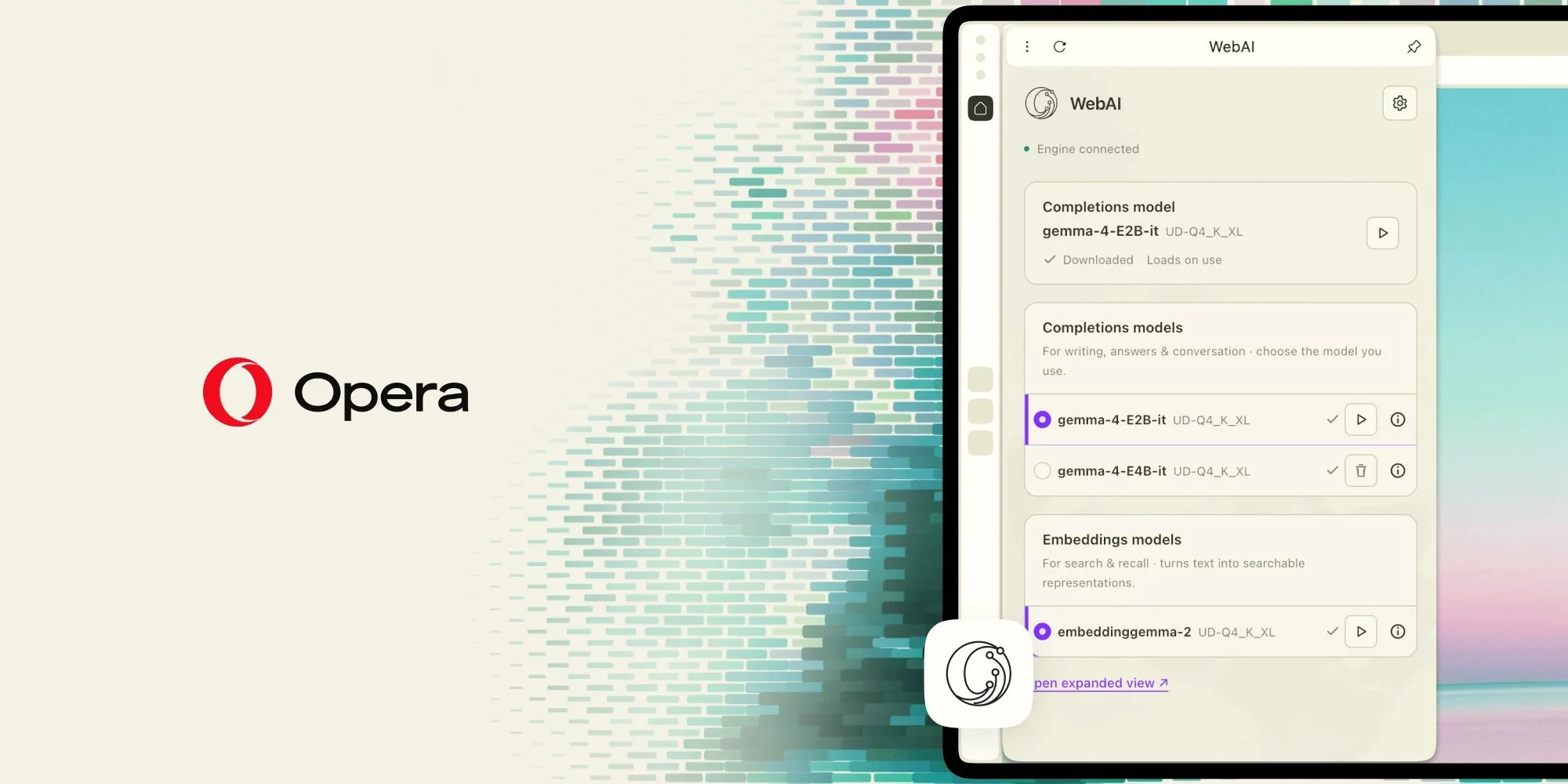
Opera One is turning the browser into a place to run AI on your own device and build interactive web experiences inside 2D and 3D scenes. The two previews point to a broader shift: browser features could draw on local computing, with less dependence on remote services.
WebAI brings local models into Opera
Opera One is the first browser in the company’s lineup to offer built-in access to local AI models. Opera GX and Opera Neon are expected to follow. The preview uses WebAI, a proposed web standard that would let websites and browser extensions access models running on a user’s device.
Opera says WebAI is backed by companies including Google and Microsoft. Its implementation supports open models and multiple providers; at launch, users can access Google’s Gemma and, on Mac, Apple’s on-device foundation model.
WebAI is a proposed web standard, backed by companies such as Google and Microsoft, that lets websites and browser extensions use AI hosted through the browser. Opera’s implementation is model-agnostic and built around open models, offering users choice among AI providers. At launch, users can already tap into models from Google and Apple, including Google’s Gemma and, on Macs, Apple’s on-device foundation model, directly in Opera.
The models can generate text, classify content and find relationships between pieces of information. Access is opt-in, requires no subscription, and can be limited by the user to selected websites.
The practical appeal is straightforward: developers could add model-powered features without maintaining AI infrastructure or paying for each request. Opera’s examples include extensions that organize tabs, flag clickbait or identify relevant job listings. Because processing takes place locally, the information handled by the model stays on the device, according to the company.
With local AI built into the browser, both users and developers can benefit from new capabilities. Local AI lets anyone build on top of free, open-weight AI models. Developers can add AI features without running AI infrastructure or paying for every request. Users don’t need AI subscriptions, the information the local AI handles stays on their own device, and they stay in control of the AI on their computer. For example, an extension could sort your tabs, flag clickbait or spot relevant job posts using a model on your laptop, with no account, no fee and no data sent to an AI service.
Opera has published example extensions for exploring WebAI. The preview’s value will depend on how much browser and extension developers can do with local models, and how consistently the proposed standard takes shape.
Web pages become part of 2D and 3D scenes
Opera is also introducing HTML-in-Canvas, a feature that lets developers place interactive web pages inside 2D and 3D environments. Pages can retain working menus, buttons and forms as they move through a scene, and developers can build them with familiar HTML and CSS.
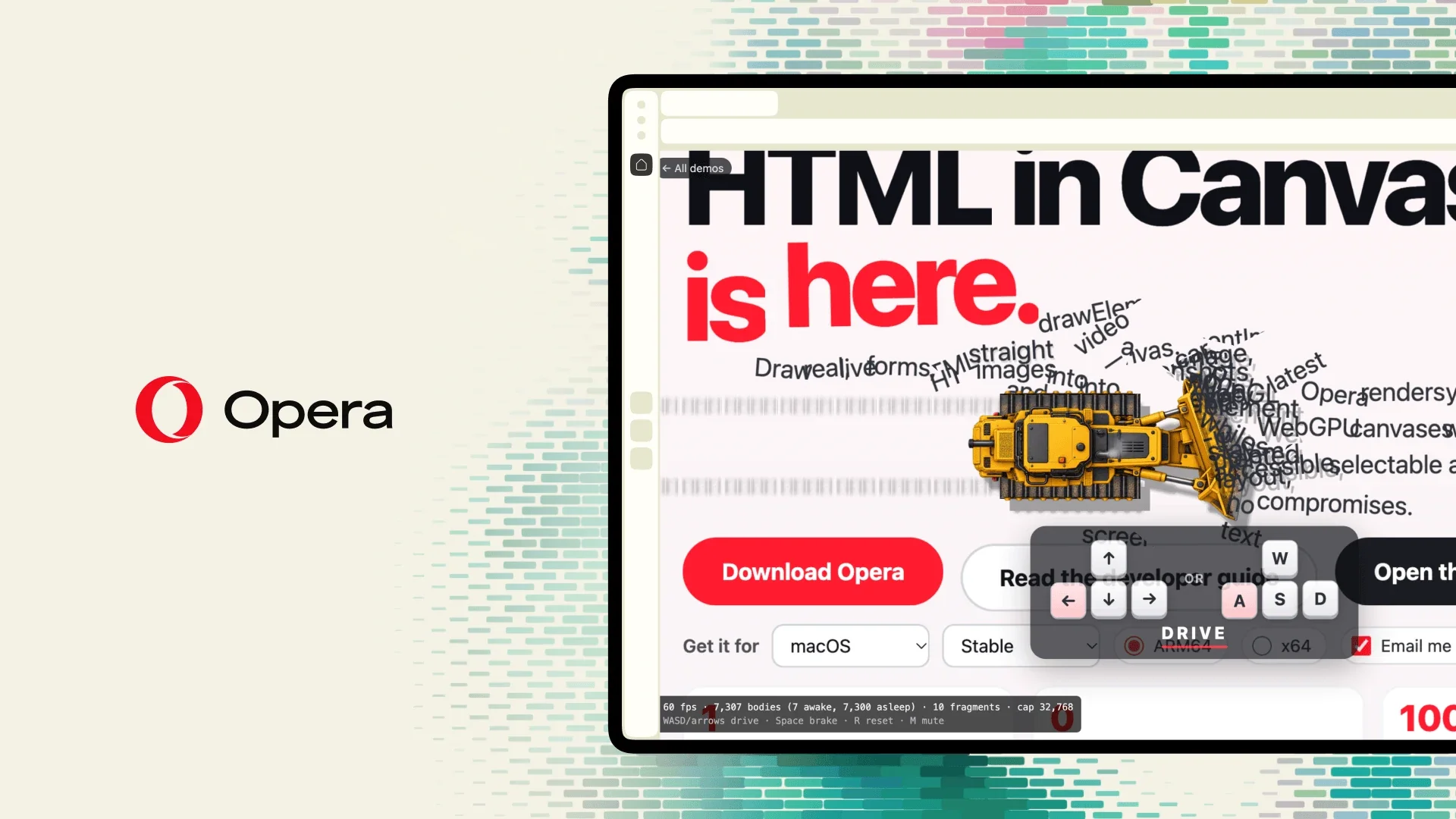
“Honestly, this is a fun one […]. You can take a real web page and throw it into a 3D world, and everything still works: buttons, text, menus, all of it. We wanted users to get their hands on it early and see what they come up with.”
Maciej Kocemba, Product Director at Opera GX, described the feature as an early release for users to experiment with. Opera’s Webpage Bulldozer demo turns page elements into physical objects; Gamer Room places screens showing live web pages inside a virtual 3D room. Both run in Opera browsers without extra setup, and the demos are available to try.
Together, the previews test two different ideas: local models that can power browser tools, and ordinary web content that can become part of interactive scenes. Opera is giving developers and users a way to explore both directly in the browser.


