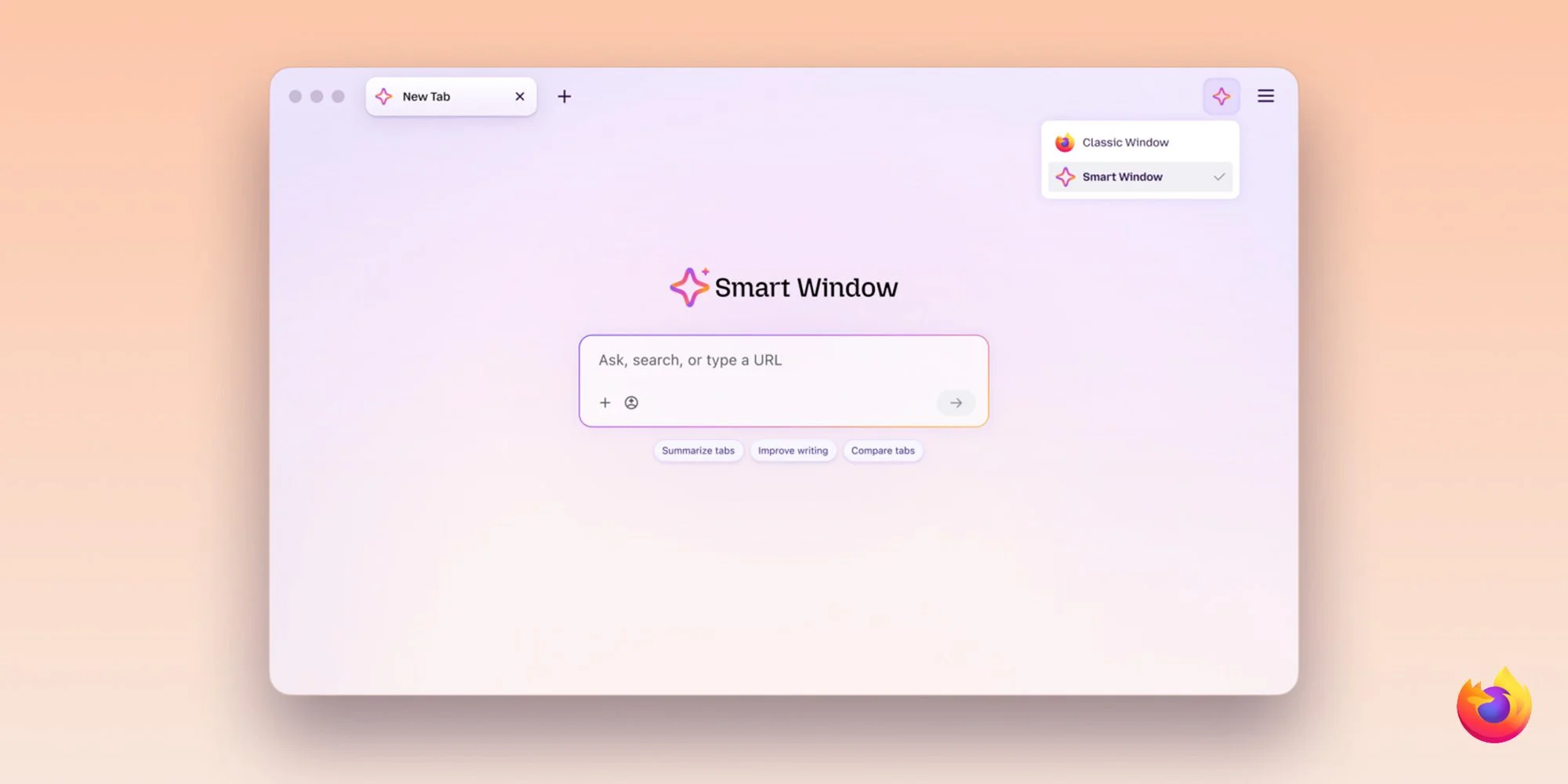
Firefox’s Smart Window is adding two features meant to take small, repetitive jobs off a user’s hands: drafting form responses from selected open tabs and checking webpages for changes. Both are available to desktop beta users in the US and Canada, and both send page information to an AI model for processing. That pairing makes the tools useful for tasks involving scattered information, while putting the question of what leaves the browser squarely in the user’s path.
Form filling draws on open tabs
Smart Window can use information from selected tabs to suggest answers to form fields, extending what Firefox’s built-in autofill can do. Standard autofill still handles saved details such as names and addresses without an AI model. The new feature is aimed at questions that require assembling context, where a browser’s stored contact details aren’t enough. It also gives users a choice about which open pages contribute to a draft.
Mozilla says the feature could draw work history from an online portfolio or professional profile, then use that context to draft a response to a prompt such as “Tell me about a time when…” That could save time when an application asks for a tailored account rather than a basic detail, though the result still needs a human review. Firefox uses Google’s Gemini 3.1 Flash Lite to interpret form fields and extract relevant details from the tabs a user selects. Those pages are shared with the model for processing, a distinction that matters if the selected material includes private employment details, personal history, or other sensitive information.
The user’s selection is a useful control, but it doesn’t remove the need to think about what a page contains before handing it to an AI service. The convenience depends on giving the model enough context to produce a relevant answer. If you’re using this for an application, you’ll still want to check that the draft reflects your own experience and says only what you intend to share. A faster first draft, with a review step.
Page monitoring runs while Firefox is open
The second addition lets users ask Smart Window to watch webpages for changes. Type /watch in its chat and describe what to look for, such as a lower price, an item returning to stock, or a new job listing. Firefox checks pages daily or weekly, with as many as five webpages in one task. That turns the assistant from a tool for answering questions in the moment into one that can keep a narrow request on its list.
The schedule is deliberately limited to daily or weekly checks, so this isn’t a real-time alert system. Monitoring also depends on Firefox being open. The browser uses Qwen to identify changes that match a user’s request, and results appear through the Tasks button in the toolbar. Desktop notifications can also provide an alert and a link to the watched pages, letting users return to the source to assess what changed.
Users can keep up to 15 active tasks and edit, pause, or delete them. Firefox pauses a task after 60 days without a matching change, then stops checking after 90 days. Those limits make the feature a better fit for time-bound searches than for long-running monitoring that needs to continue unattended. They also put some maintenance on the user: a task can stop producing checks even if the underlying interest hasn’t gone away.
Here’s the thing: watching a page only helps if the browser is available to do the checking, and the match still needs to be useful enough to act on. A notification can point you back to a page, but it doesn’t replace reviewing the change yourself. That’s a modest form of automation, and a practical one for searches where checking repeatedly is the main nuisance. It won’t suit every kind of alert.
A broader role for Smart Window
Mozilla first outlined the opt-in AI browsing experience as AI Window, proposing an assistant that could summarize pages, compare information across tabs, and answer questions within Firefox. The company later renamed it Smart Window and added capabilities over time. The new features follow that direction: they apply AI to browser tasks that involve more than one page or require a check after the initial request.
Previous additions included AI-powered web search, automatic tab grouping, duplicate-tab detection, and natural-language searches of browsing history. The new form and monitoring tools push Smart Window further into work that spans multiple pages, while making user-selected tab context and ongoing browser availability part of the experience. This is more significant than it looks: Smart Window is taking on tasks that depend on both the content of a user’s browsing and the browser’s continued presence. That may save routine effort, but it also means users need to understand what information each task uses and when it runs.
What the rollout says about the tradeoffs
For now, the two features are limited to English-language users in the US and Canada using the Firefox desktop beta. Mozilla says it plans to bring them to additional markets in the coming months. The beta availability gives the features a narrow audience, and the current limits matter when judging how useful they’ll be in everyday browsing. More details are available from Mozilla’s announcement.
The rollout also shows what Mozilla is asking users to accept in return for convenience: selected pages may be processed by AI, and monitoring only works under specific conditions. That’s a clear tradeoff, rather than a detail to bury. If you’re working in this space, the practical test is whether the time saved on drafting and repeat checks outweighs the extra review and setup. Mozilla’s announcement describes the feature set; how much value it delivers will depend on whether those limits fit the task.
The earlier Smart Window rollout was covered here, and its subsequent search and tab features were reported here. Those reports provide context for how the assistant has grown from its first outline into a collection of browser-based tasks. The latest additions make that expansion more concrete, while leaving the same questions about user control and day-to-day usefulness in view.
Worth checking out on Amazon
- Apple HomeView
- Apple TV 4K (2026)
- Apple Watch Series 12 | Ultra 4
- AirPods Pro 3 | AirPods 5
- AirTag (2nd Generation) – 4 Pack
- MacBook Neo
- Logitech MX Master 4
FTC: We use income earning auto affiliate links. More.


