The Razer Basilisk V4 Pro’s most useful upgrades are easy to measure: a newer 50,000 DPI sensor, a lighter body and up to 200 hours of battery life. Its less convincing change is just as visible. Razer has added two programmable buttons, including one assigned to an AI prompt by default, and their placement makes the thumb controls less comfortable to use.
That tradeoff captures the V4 Pro’s position. It’s a versatile, feature rich mouse for people who want a comfortable shape and extra controls across different games, rather than an ultralight design built around esports competition. The core formula will feel familiar to owners of the Basilisk V3 Pro and V3 Pro 35K; the changes make the new model a more capable update, though not every addition improves the experience.
A familiar shape with more controls
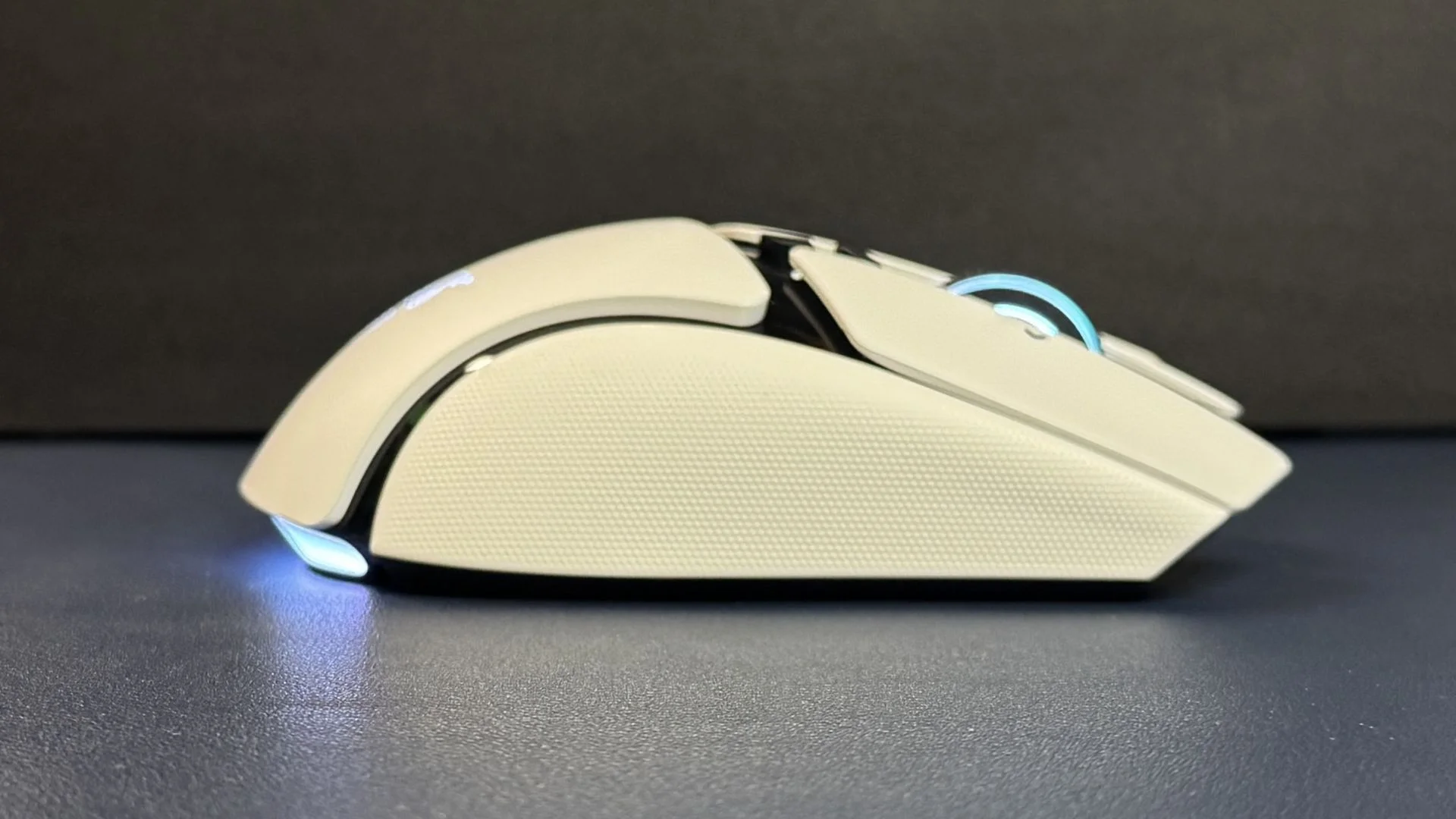
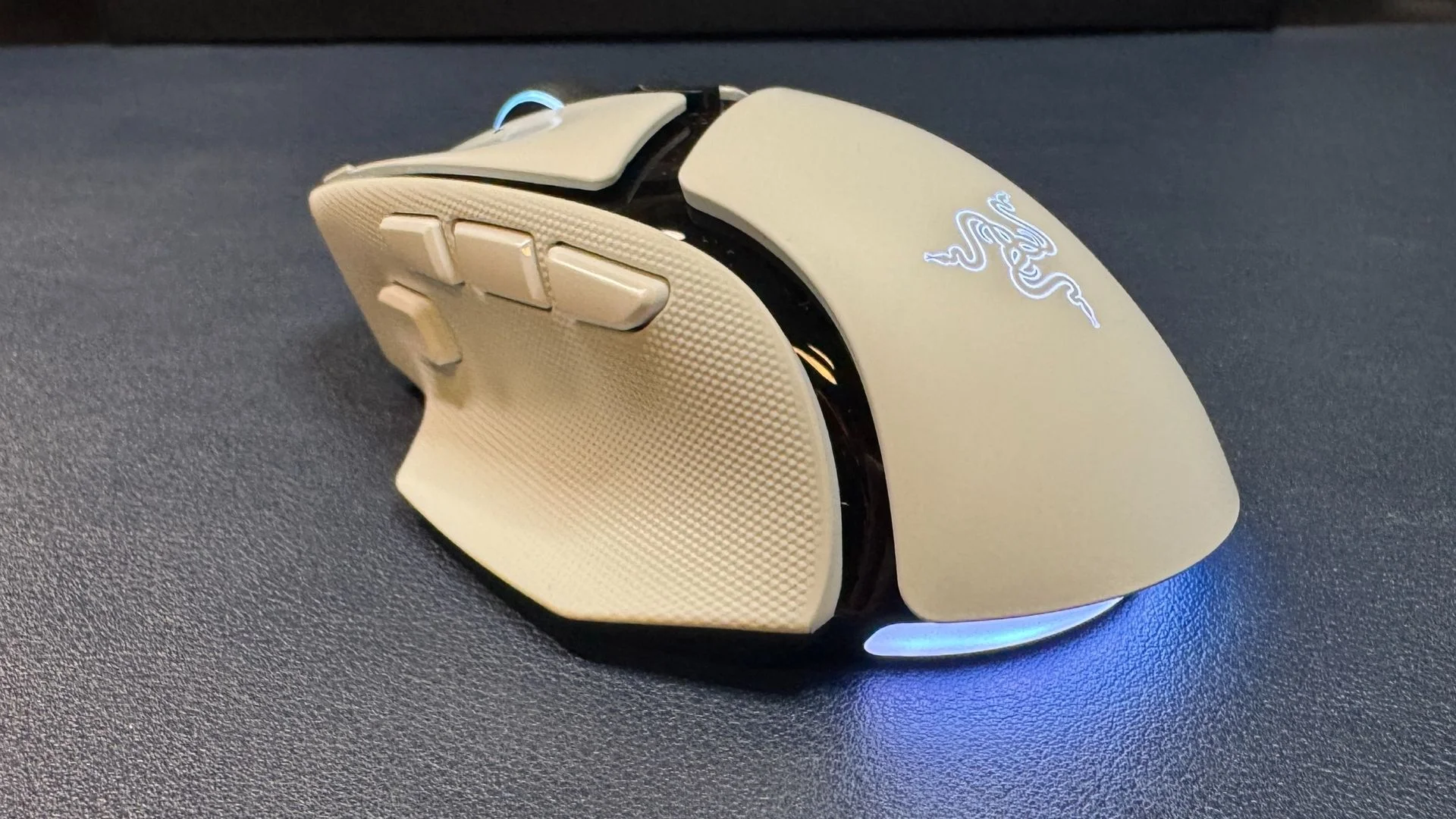
The V4 Pro keeps the Basilisk’s right handed ergonomic shape, including a contoured thumb rest, a rear set hump and broad primary buttons with shallow grooves. Its dimensions are 5.02 x 2.98 x 1.68 inches (127.5 x 75.8 x 42.5mm), so this is a long mouse. A subtle curve along the outer edge helps with lifting and repositioning, while dimpled rubber surfaces on both sides add grip.
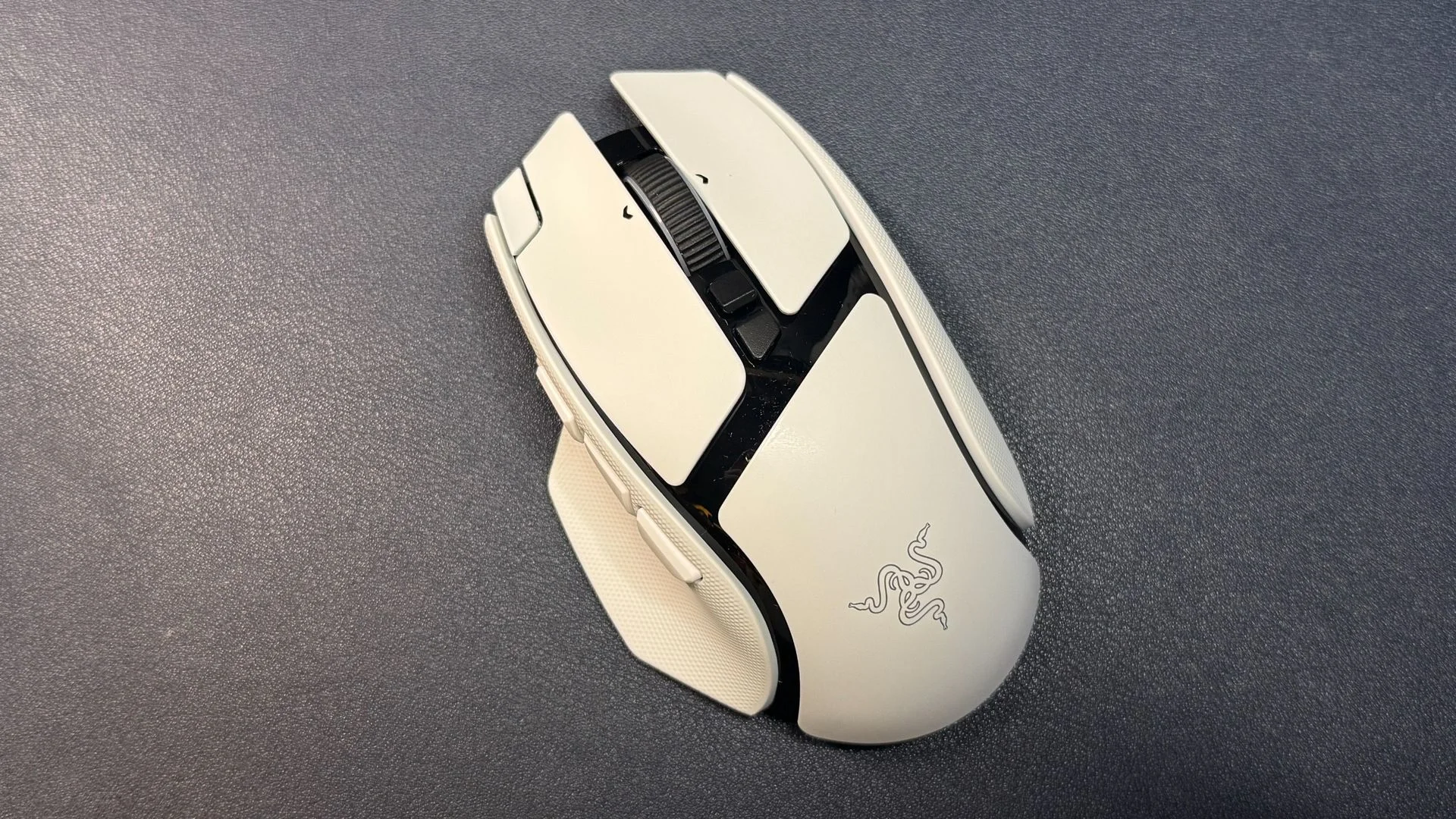
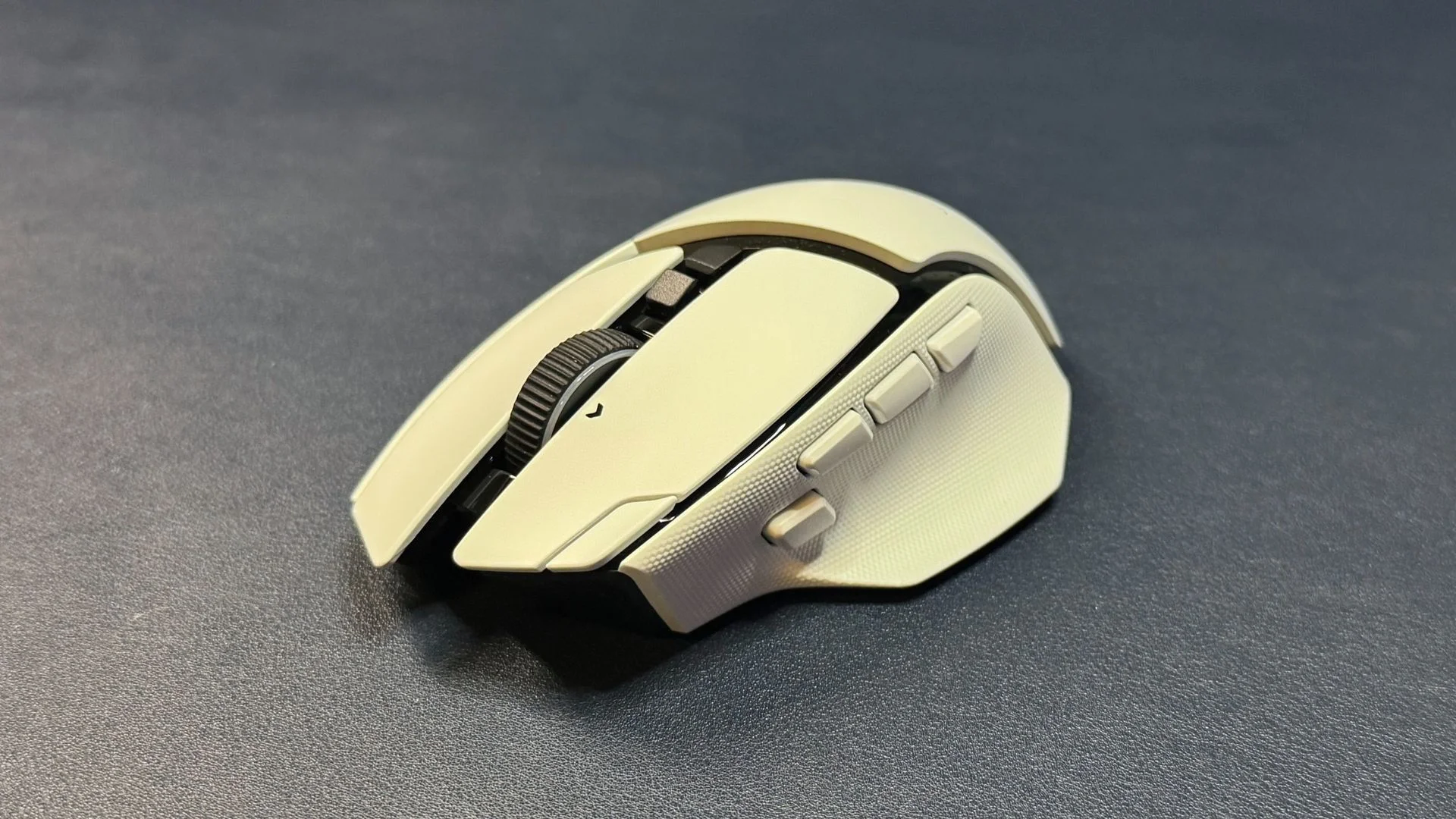
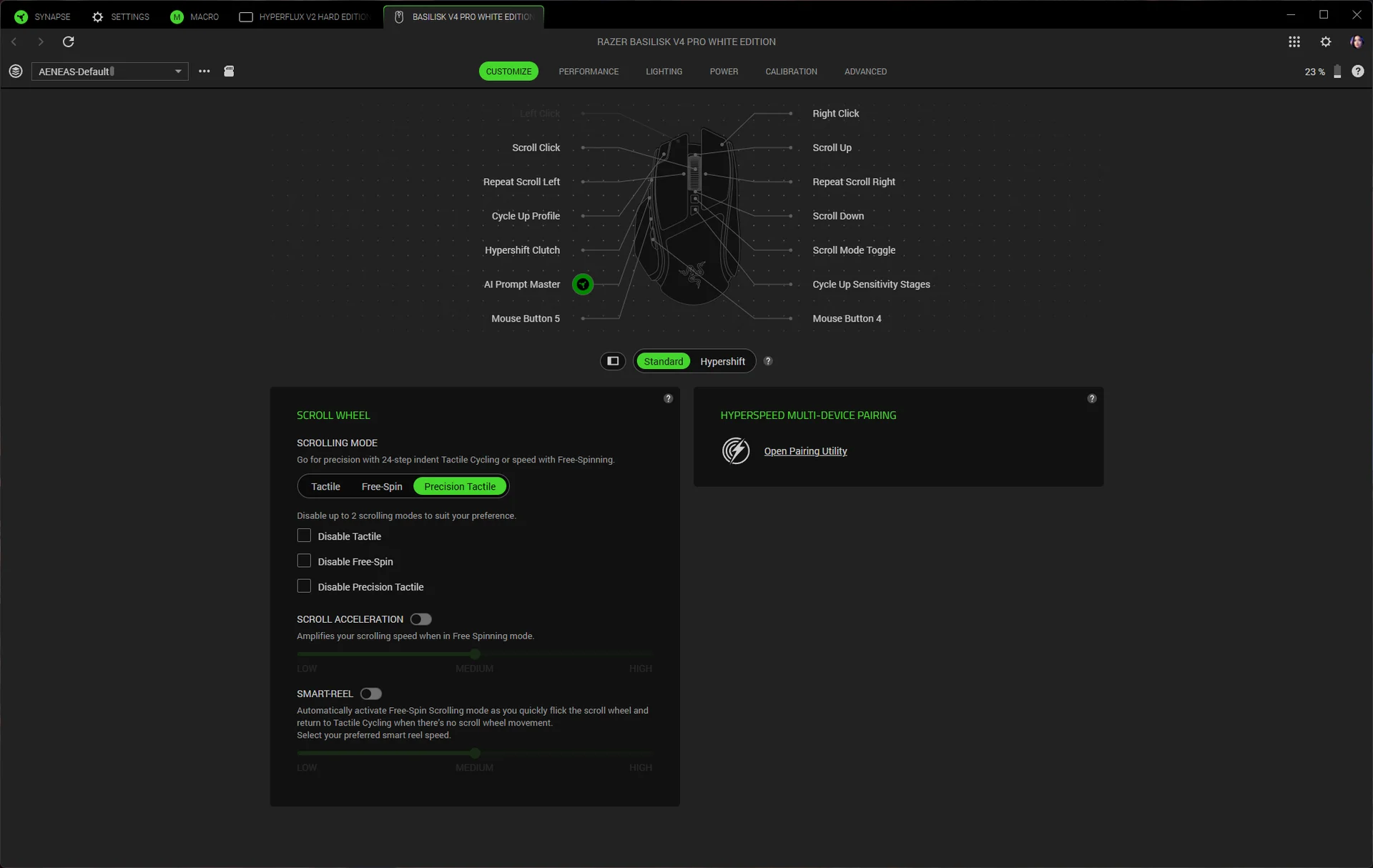
Razer has added two controls, bringing the total to 12 programmable buttons. The new additions are a third thumb button and a small button near the front of the left primary button. The latter switches profiles by default; the thumb button opens Razer’s AI prompt. Other controls include three thumb buttons, a trigger under the thumb, two buttons above the scroll wheel and a wheel that clicks in three directions.
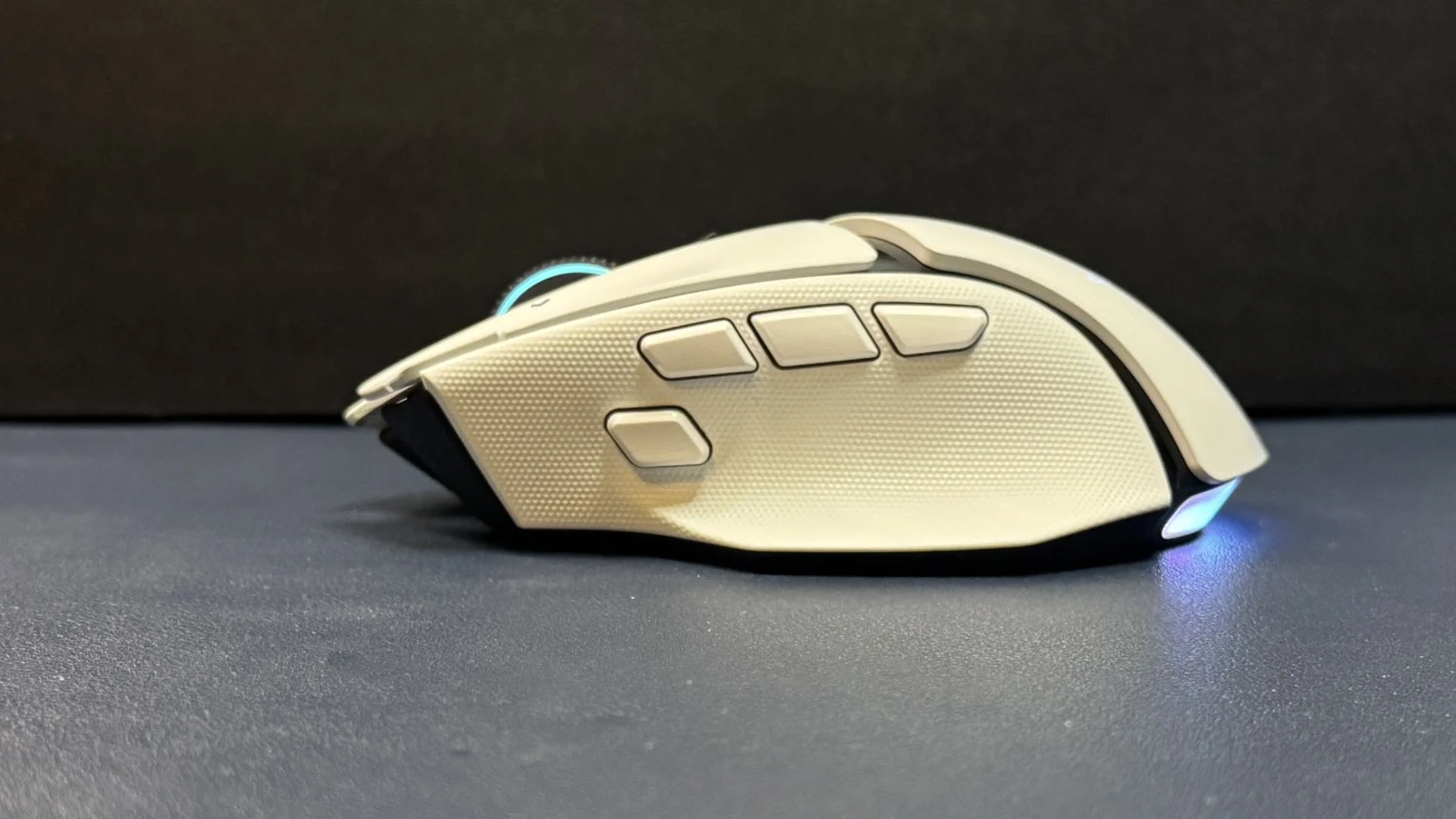
In practice, those extra controls are the least persuasive part of the redesign. The button on the primary click sits so far forward that reaching it comfortably can be difficult, even with medium sized hands and long fingers. That may not matter if it stays a profile switcher, but it’s a poor position for a control you expect to press often.
The AI button creates a different problem. It takes up space in the thumb cluster, shifting the other buttons back. The first thumb button, which is useful for frequent commands, ends up farther away than feels natural. Remapping the buttons doesn’t solve the spacing: whichever control goes where, the thumb cluster feels crowded. The Basilisk already had enough buttons for its all round role, so these additions are hard to justify on ergonomics alone.
The scroll wheel offers three settings: two tactile step modes, with 24 or 48 steps, and free spin. Free spin can be convenient for long documents, but this wheel is sensitive enough to register unintended movement. The precision tactile mode is the more dependable option, balancing quick scrolling with clear feedback.
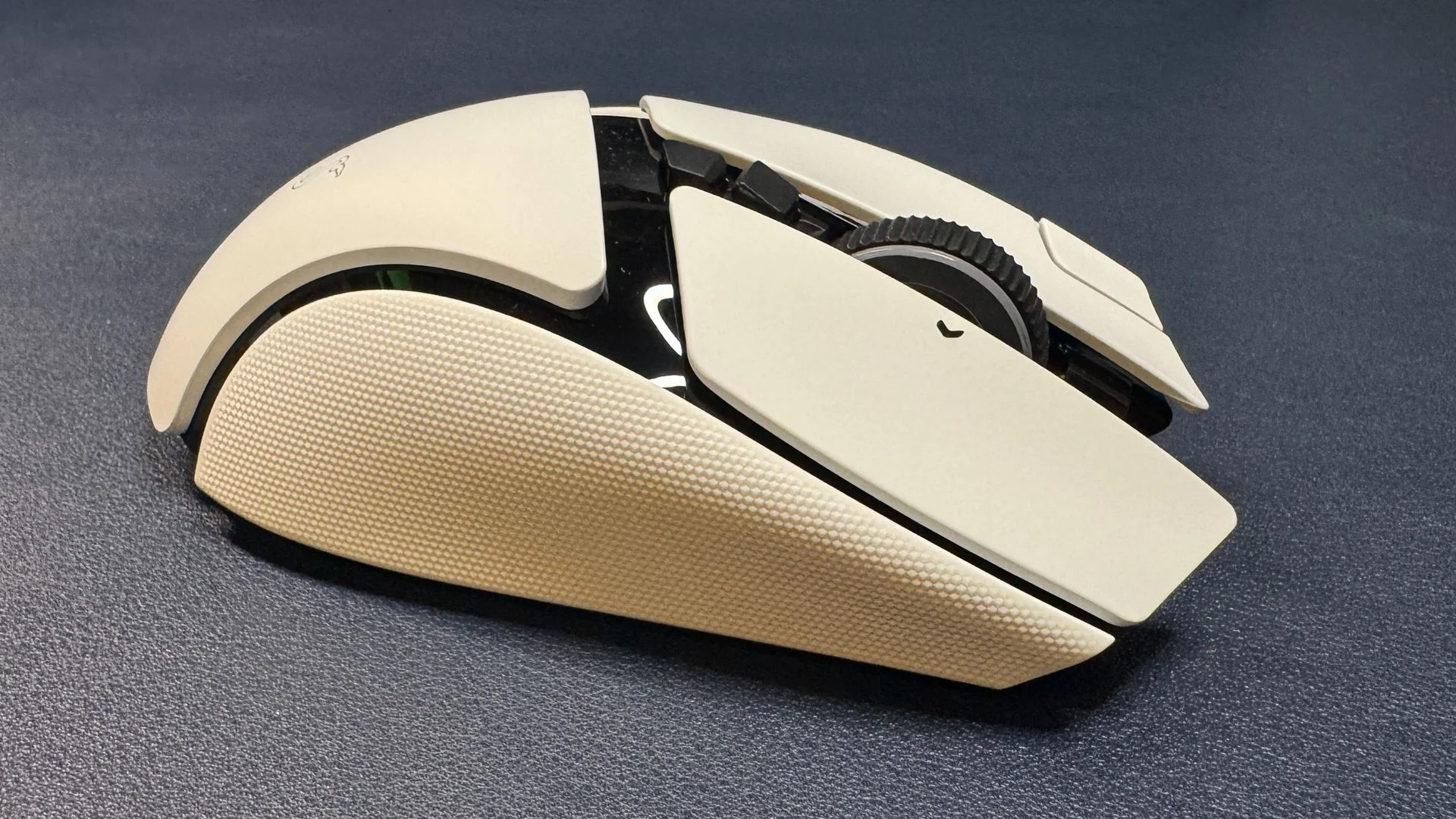
The black and white versions share the same design; the white model has glossy black accents and a matte body. The built in side grips are useful, though their rubber may wear with time, as happened with the V3 Pro’s grips. No replacement grip tape is included. At 100g, the black V4 Pro is 12g lighter than the V3 Pro 35K, a noticeable improvement when lifting the mouse, even though it remains far from ultralight.
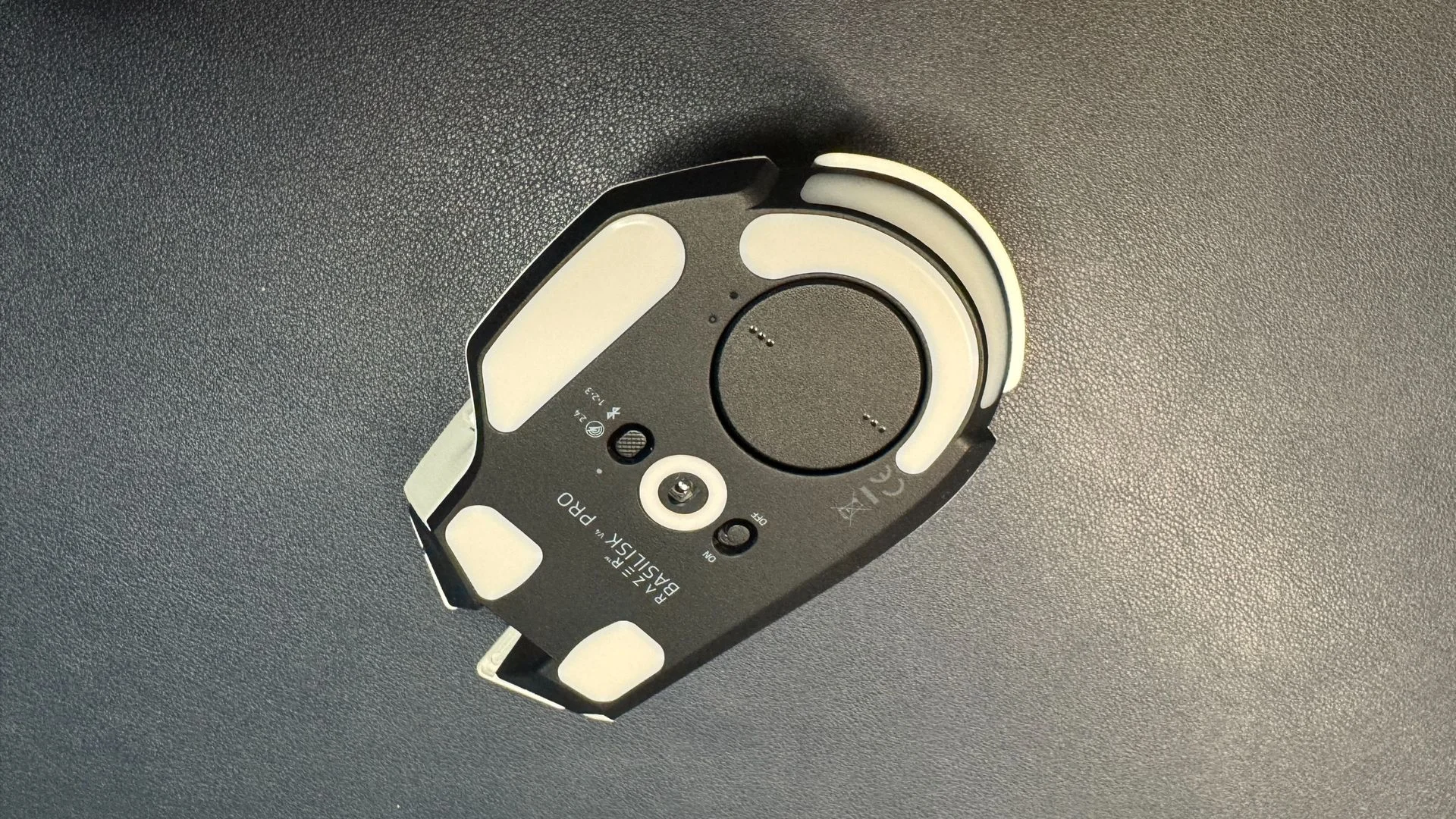
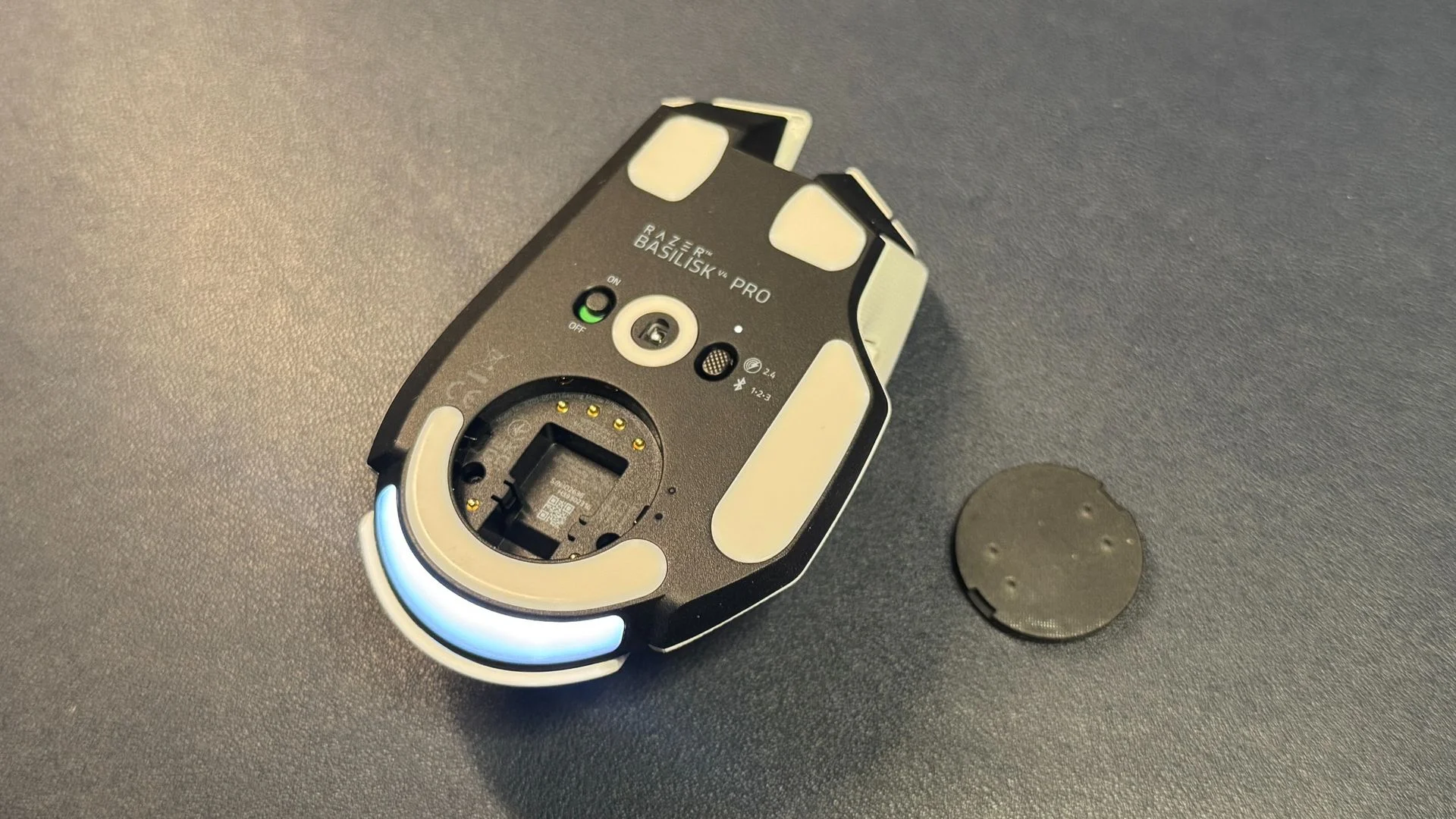
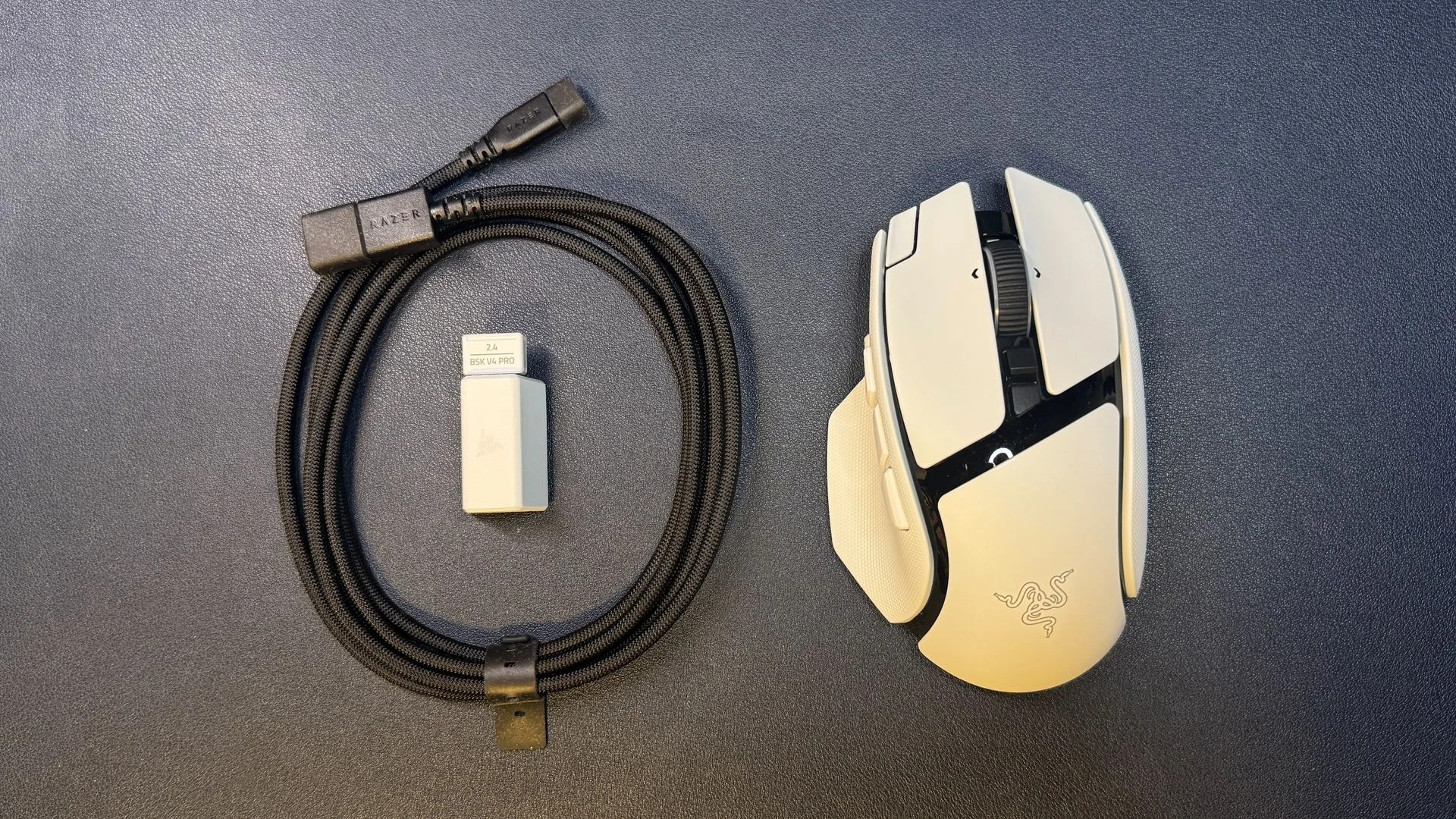
Pure PTFE feet cover several contact points underneath, including the front, rear, thumb rest and sensor area. The base also has a power switch and a connection selector. In the box, Razer includes a USB-A wireless dongle, a USB-A to USB-C adapter and a two metre braided USB-C to USB-A cable. That cable is for charging or connecting the dongle; it isn’t designed for flexible wired play.
Sensor and click performance
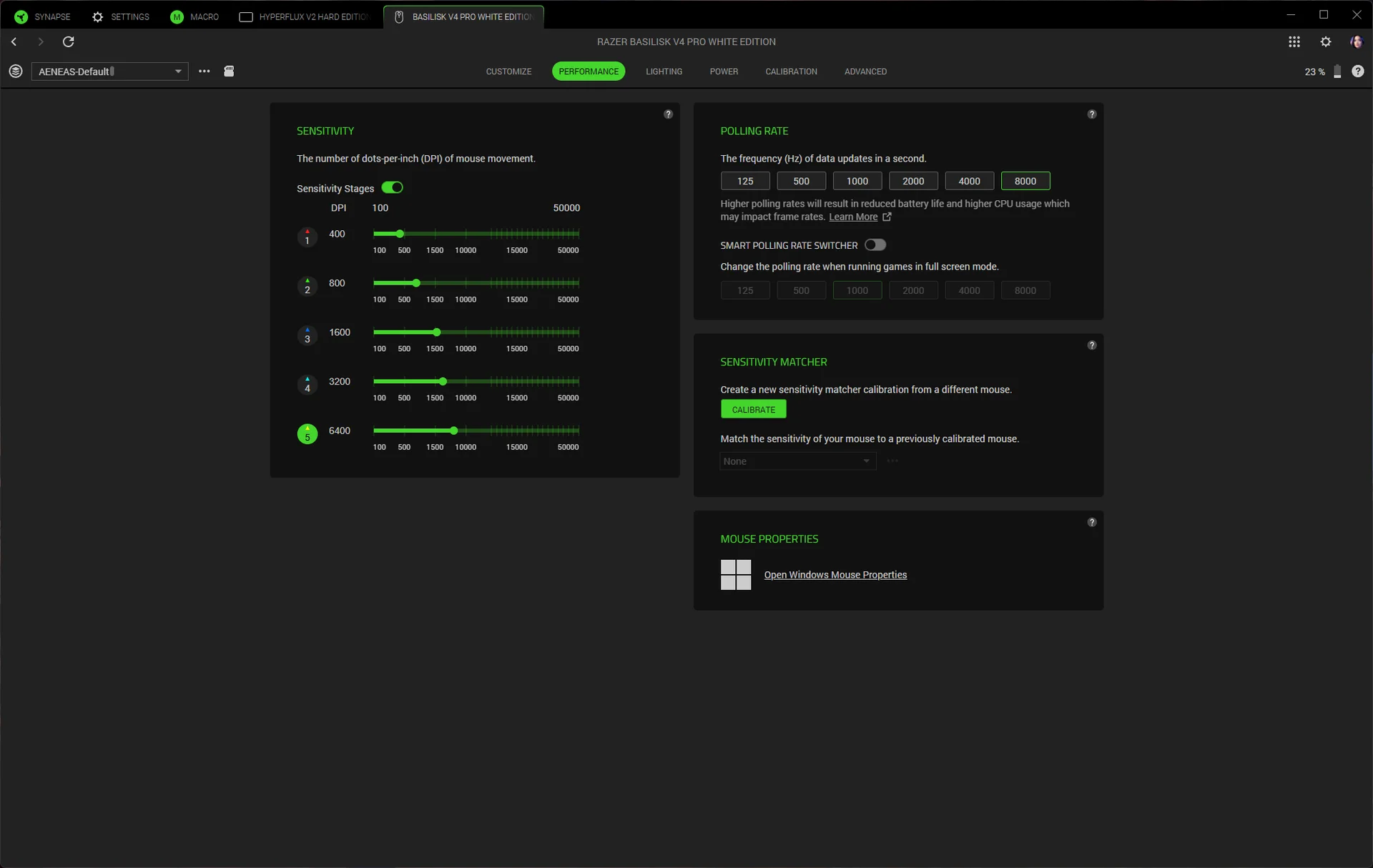
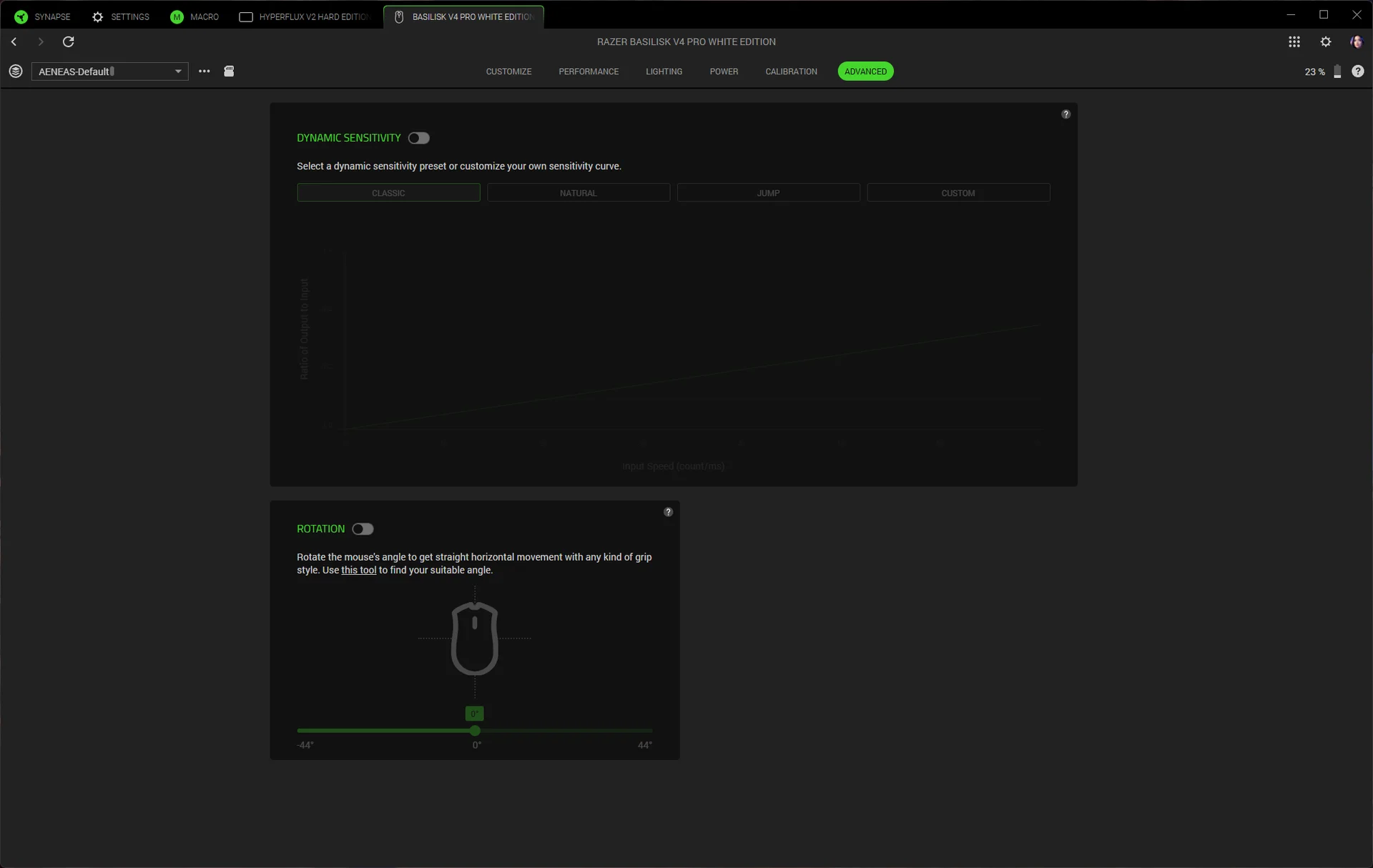
The Focus Pro 50K Gen-3 optical sensor is the headline hardware upgrade. It reaches 50,000 DPI, tracks at up to 930 inches per second and supports acceleration up to 90G. In use, it tracks reliably across a wide range of surfaces, including glass at least 4mm thick. Razer’s Synapse software also supports dynamic sensitivity, which adjusts sensitivity based on hand speed, and a rotation tool for tuning sensor orientation.
The shape and side grip make the V4 Pro easy to reposition during fast play, although its weight and form aren’t aimed at the lightest competitive setups. The thumb trigger can be activated by accident if you often lift your mouse. Even so, the overall shape works across a broad mix of games, from titles that benefit from extra commands to shooters where a simpler layout may be preferable.
Gen-4 optical switches sit beneath the main buttons and are rated for more than 100 million clicks. They feel crisp and tactile without sounding especially loud, though they’re still distinctly clicky. During testing, the primary buttons didn’t misfire or double click. For a mouse in this class, the sensor and main switches deliver the consistent performance you’d expect; the controls around them are the more subjective part.
Synapse, lighting and connectivity
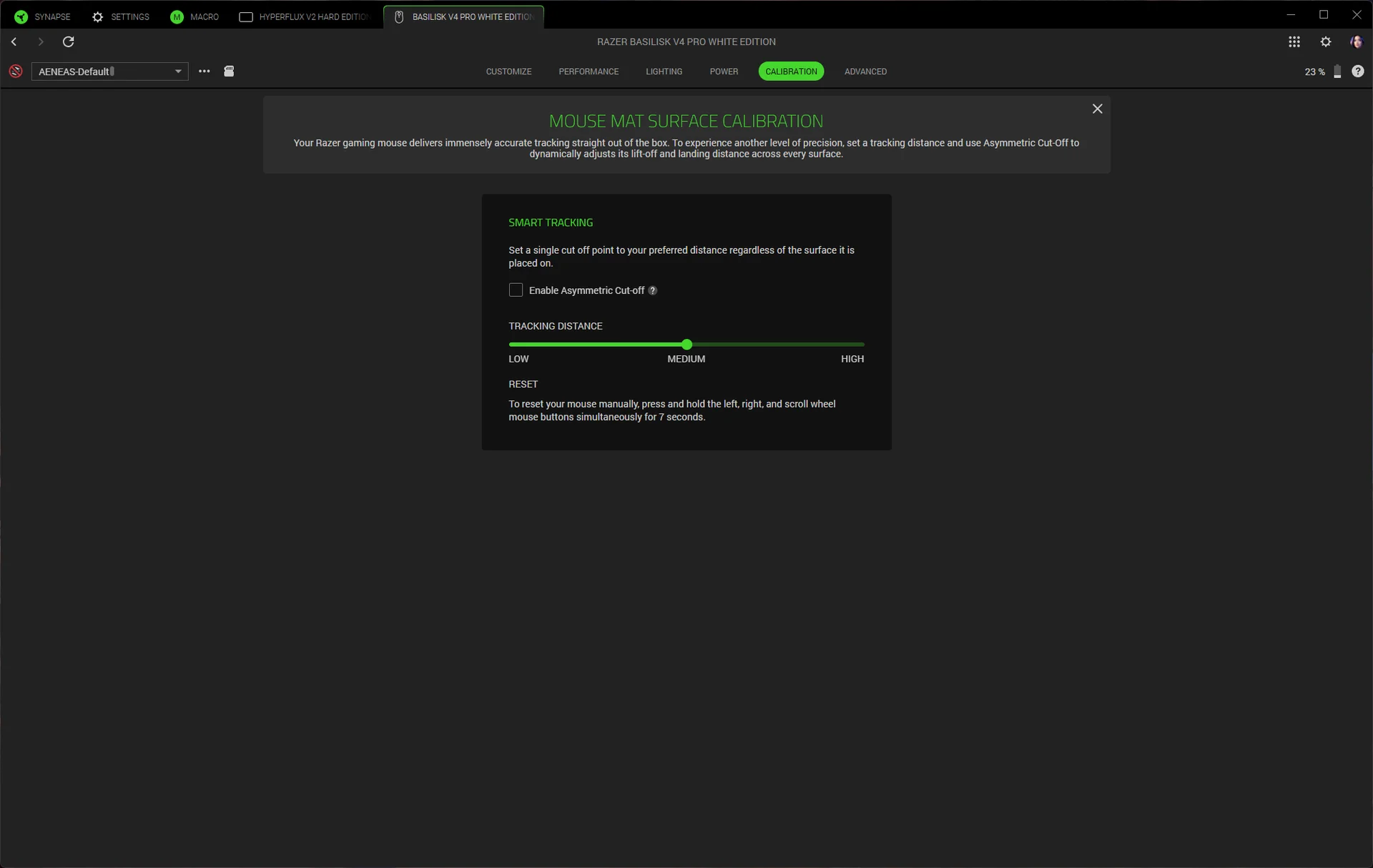
Razer Synapse 4 handles button mapping, macros, DPI stages, scroll settings and surface calibration. It can also match the V4 Pro’s sensitivity to a previous mouse, which makes switching hardware less disruptive. The mouse offers 12 programmable buttons, plus scroll up and down as additional assignable controls; the connection switch on the underside can’t be programmed.
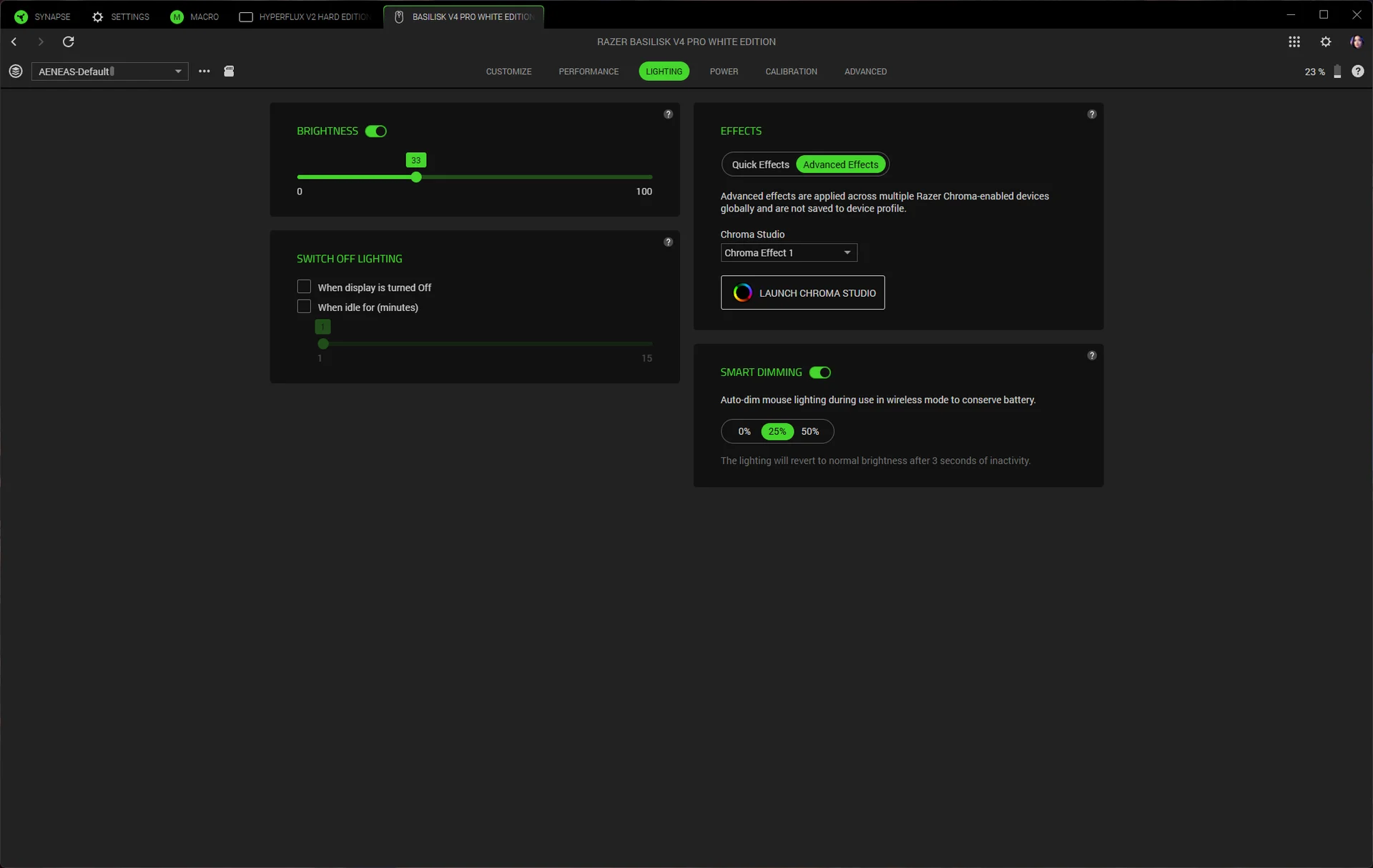
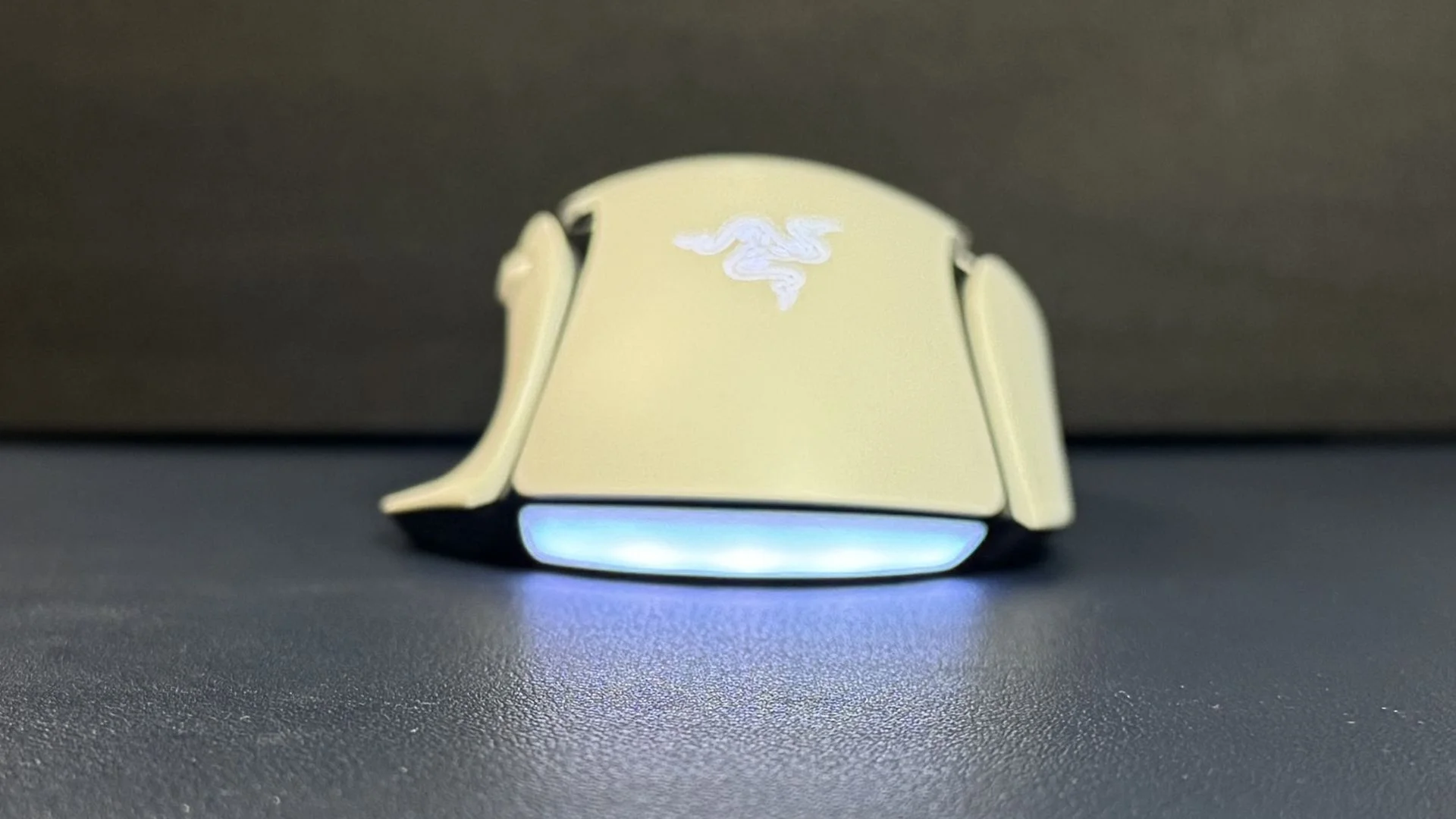
Chroma Studio controls seven lighting zones: five along the underglow, one in the scroll wheel and one in the palm logo. The underglow is visible from the side while the mouse rests on a desk, and its five sections blend together cleanly. Lighting can sync with games and other Razer peripherals.
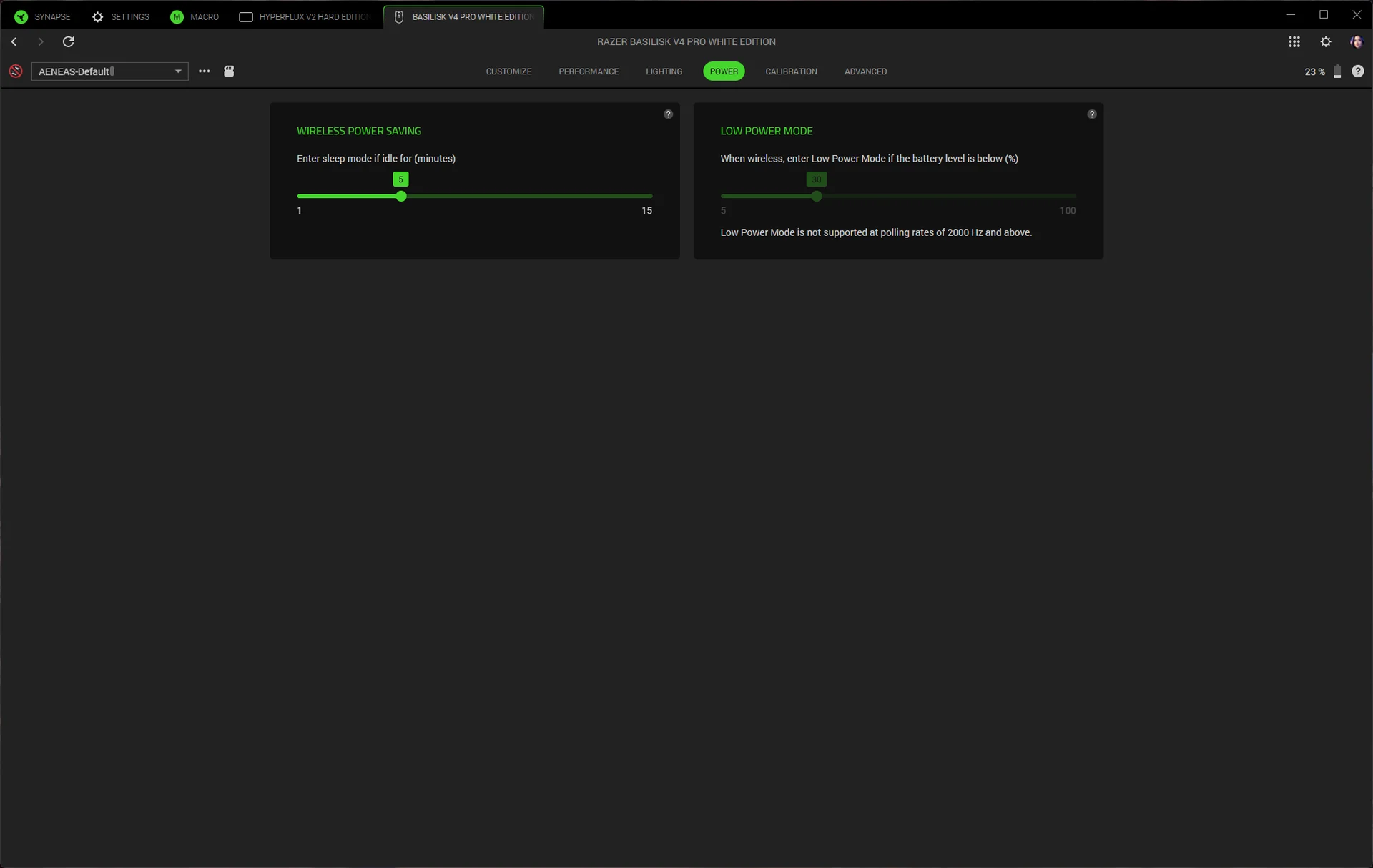
For connection options, the mouse supports 2.4GHz wireless, Bluetooth and USB-C wired mode. Razer rates battery life at up to 200 hours over 2.4GHz at 1,000Hz polling. Raising the polling rate to 8,000Hz cuts the estimate to 54 hours. That’s a meaningful difference, but even the high polling setting offers substantial runtime for a rechargeable gaming mouse.
Charging options and value
Razer sells the Basilisk V4 Pro for $169.99 in black or white. The optional Mouse Dock V2 Pro costs $69.99 and combines a magnetic charging stand, RGB lighting and an 8,000Hz wireless receiver. A charging puck fits into the mouse’s underside; the dock measures 3.28 x 2.2 x 1.71 inches (83.5 x 56 x 43.5mm) and uses eight lighting zones to show battery status, including a red low battery signal.
The dock also supports the Basilisk V4 HyperSpeed, Basilisk V3 Pro 35K, Basilisk V3 Pro, Cobra Pro, Cobra HyperSpeed, Naga V3 Pro and Naga V2 Pro. It supports polling rates up to 8,000Hz for those models except the Naga V2 Pro. Razer’s HyperFlux V2 charging mouse pad is another compatible option, though 8,000Hz polling requires the mouse’s dongle connection.
At $169.99, the Basilisk V4 Pro asks buyers to pay for a flagship sensor, a lighter build, multiple connection modes and extensive tuning options. Its battery life improvement over the V3 Pro 35K is welcome, and the 50K sensor gives the mouse plenty of headroom. The new buttons, however, make the layout less comfortable for a feature whose practical value will depend on the user.
My read is that the V4 Pro suits players who want a substantial, adaptable mouse with more controls than a DeathAdder V4 Pro, but fewer than a Naga V3 Pro. The sensor, clicks and battery life make a strong case for the update; the crowded thumb area is the reminder to try the shape before paying flagship prices.


