iOS 27.2’s most useful changes address small points of friction across Apple’s apps: turning a message into a reminder, keeping shared viewing separate, and tracking what’s happening at the front door. The update touches six apps, but its features don’t apply equally to every user; some depend on a particular iPhone model or a compatible smart lock. That makes this a practical, uneven update rather than a sweeping one. Its value will depend on whether these are the routines you want your phone to handle.
Messages turns conversation into action
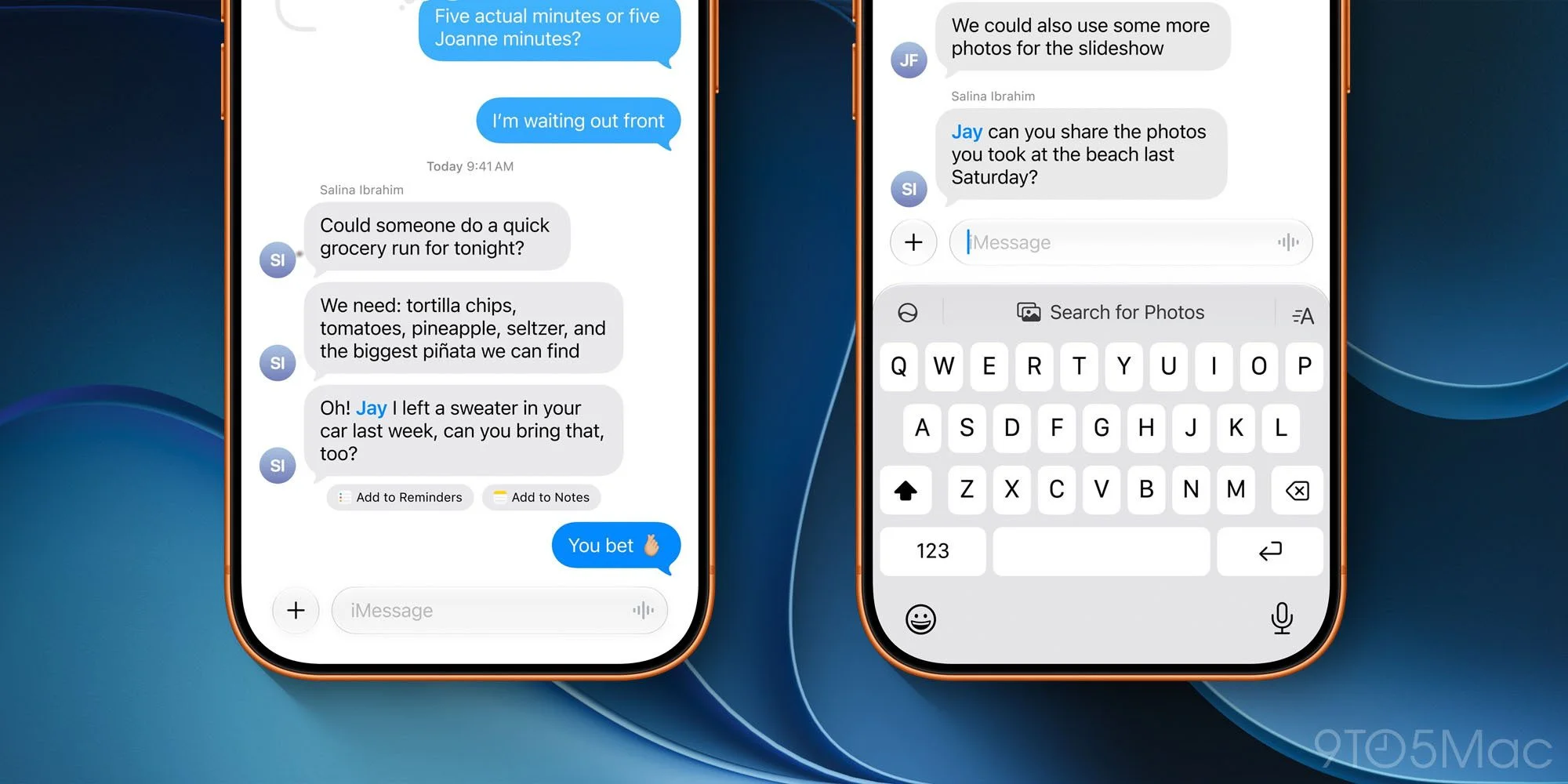
Suggested Actions return in Messages after appearing in the iOS 27 beta and missing from the public release. When a conversation includes relevant details, the app can offer shortcuts such as creating a calendar event or reminder, or adding information to a note. The idea is to let a user act on something discussed in a chat without having to switch apps and recreate the details. A small shortcut can be useful when it gets the context right.
The suggestions are contextual, and iOS 27.2 adds a setting to tune which types appear. That choice matters: a useful prompt can save a few taps, but irrelevant suggestions can clutter a conversation and draw attention away from the exchange. Giving users control over the categories makes the feature easier to adapt to individual habits. Here's the thing: the usefulness of automated prompts depends as much on knowing when to stay quiet as on spotting a possible task.
Dual Capture expands to Group FaceTime
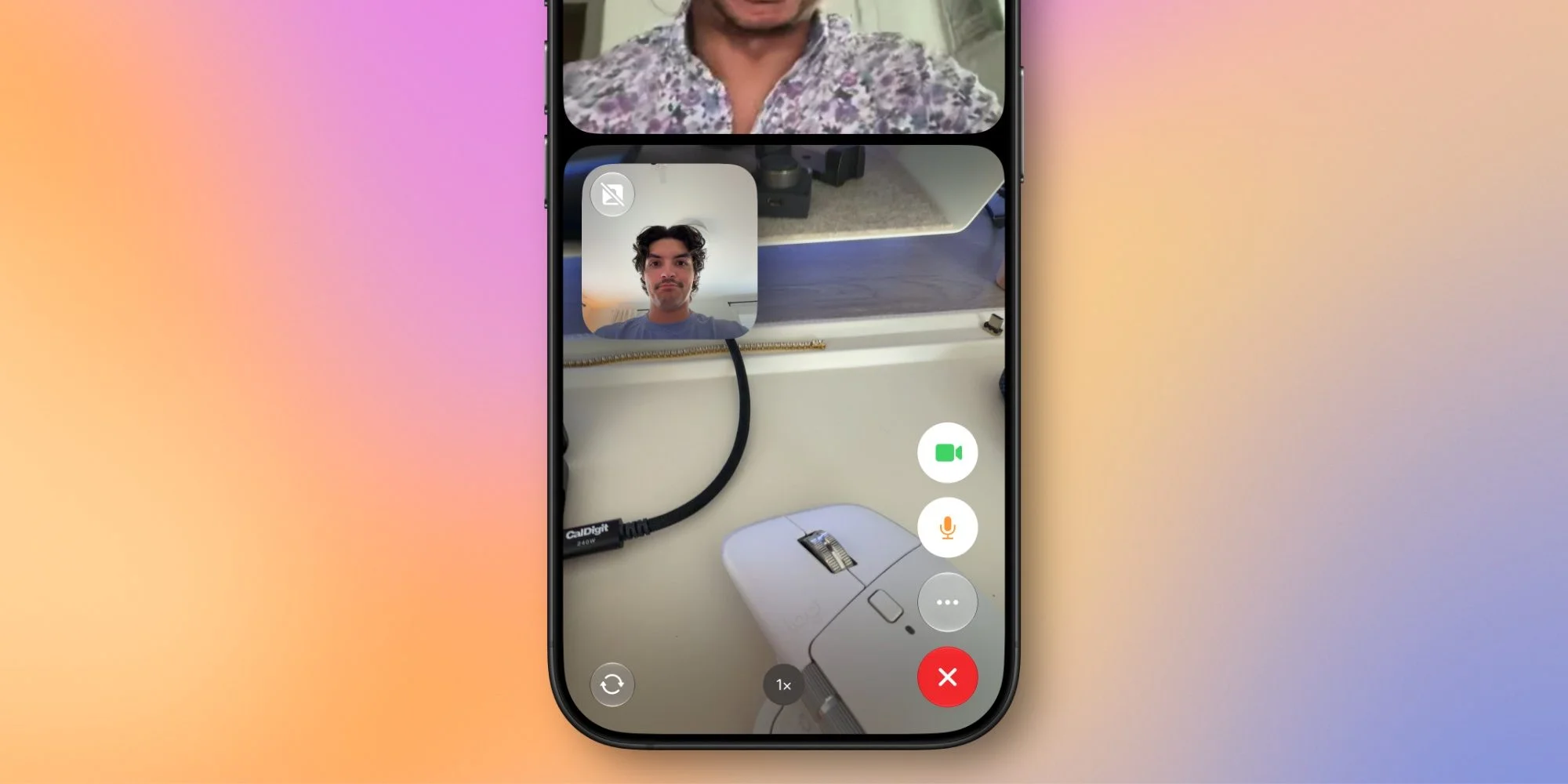
Dual Capture, introduced in iOS 27, keeps an iPhone’s front and rear cameras active during a FaceTime call. In iOS 27.2, the feature extends to Group FaceTime, giving participants a way to share both camera views in a call. That can add context to a conversation: the caller can remain visible while showing something nearby. It’s a change to how a call can be framed, rather than a new kind of call.
On iPhone 17 and newer, tapping the camera flip button starts streaming both feeds by default. That device requirement limits who can use the feature, and the default behavior means the control matters: users should know that choosing it shares both views. Group calls give Dual Capture a more practical setting, especially when a participant wants to show an object or surroundings while still speaking to the group. A second view, with a tradeoff in what’s shared.
Apple TV adds profiles on iPhone and iPad
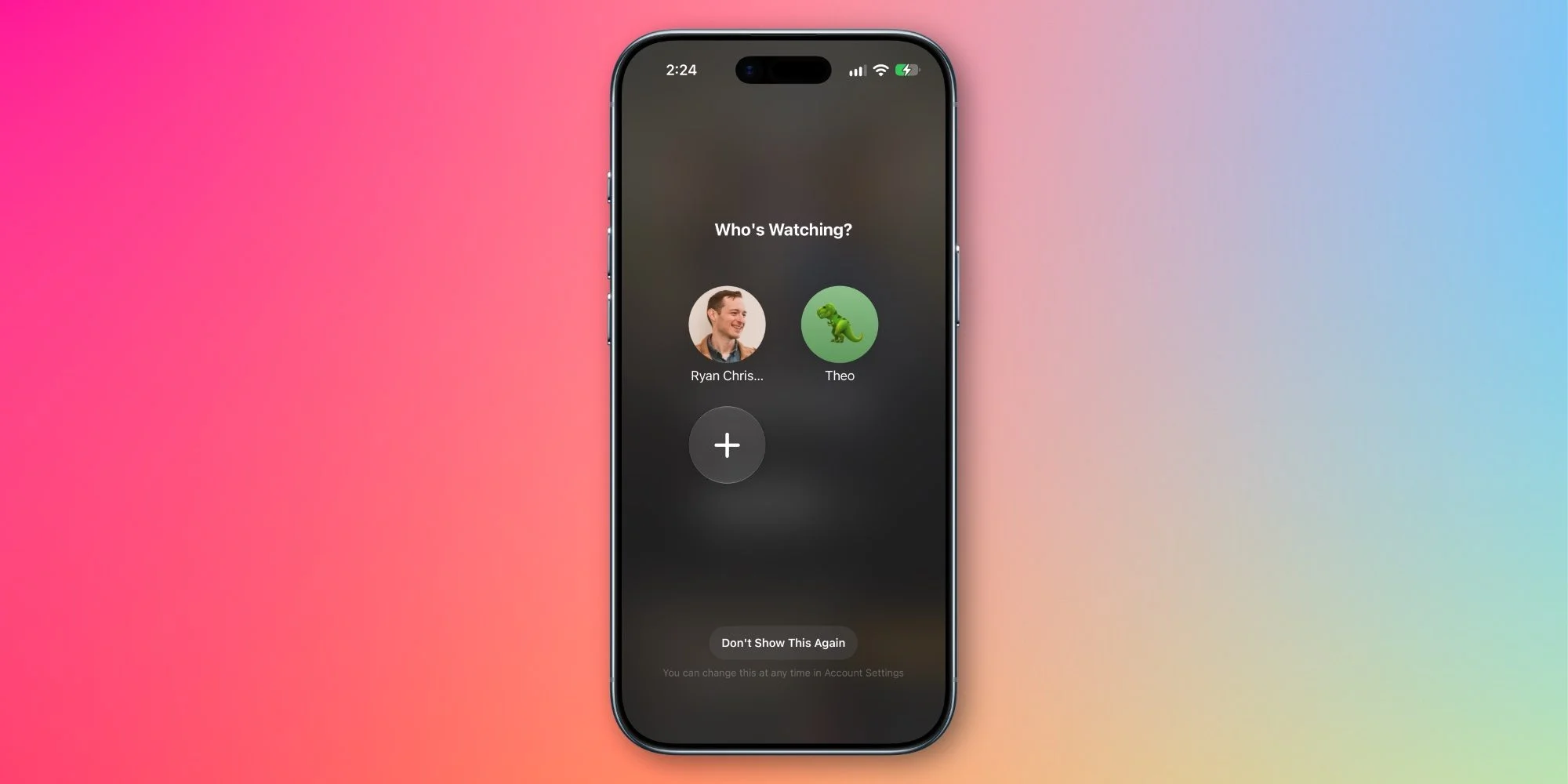
Apple TV profiles, already available in tvOS, are coming to the iPhone and iPad apps. A profile picker appears when the app opens, helping people who share a device keep viewing histories and recommendations distinct. The prompt can be turned off for users who don’t need it. That gives households a way to keep shared use from blending into one set of suggestions, while leaving the extra step optional.
It’s a modest addition, though it addresses a familiar problem for households where children or other family members use the same device. Profiles put a feature already established on the TV platform into Apple’s mobile apps, where sharing can make individual recommendations less useful. The picker also adds a moment of friction each time the app opens, so the option to disable it matters. If you’re working in this space, the balance is clear: personalization helps only when the app can tell whose activity it’s looking at.
Home adds two smart lock automations
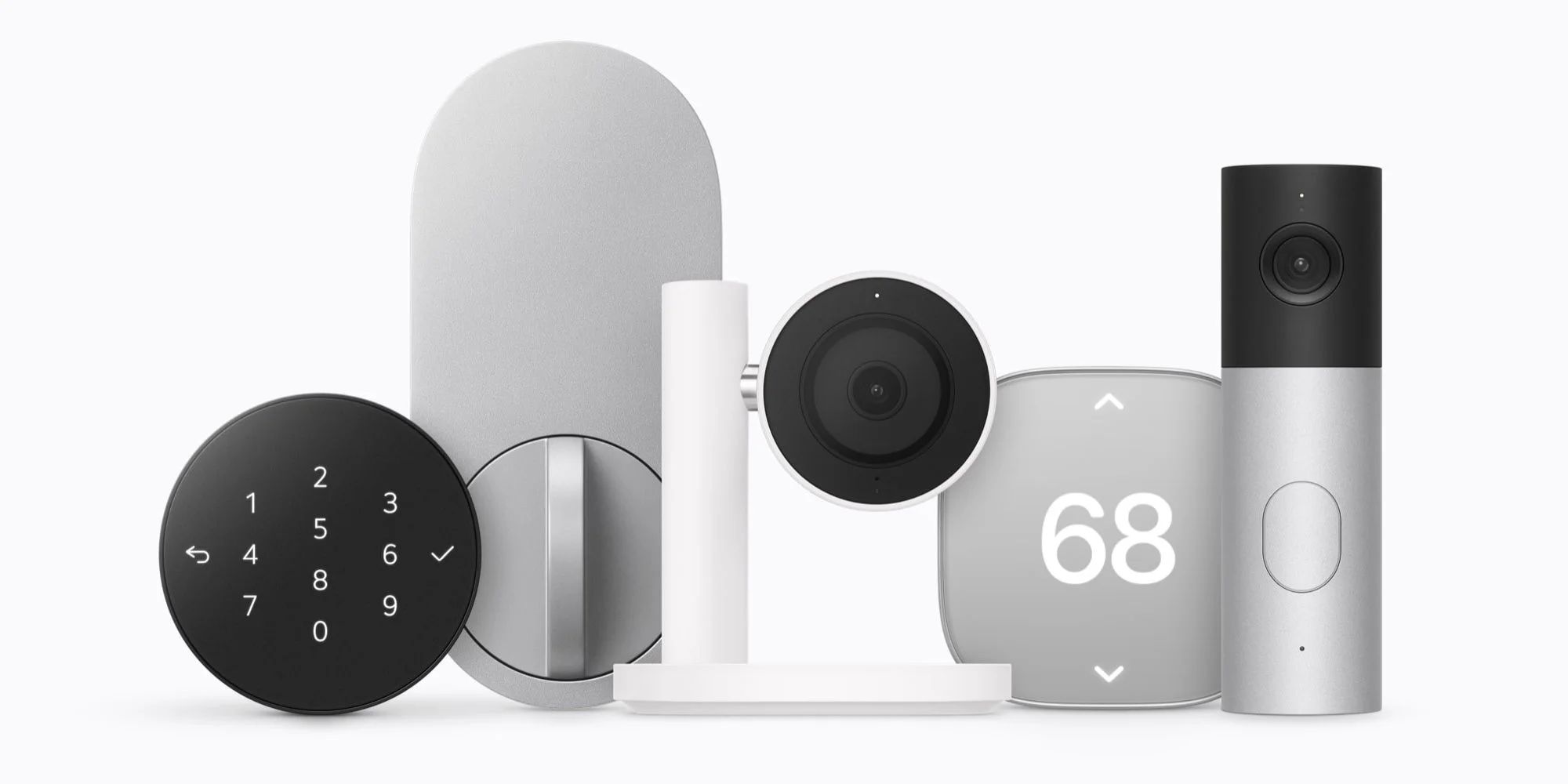
The Home app gains two controls for compatible smart locks. “Lock After Closing” lets users set how long a door can remain closed before it locks automatically. Until now, the available delay was measured from when the door was unlocked. The new timing offers a different way to define the automation, based on the door’s closed state.
“Door Left Open” addresses the other side of the problem. It can notify users when a door has stayed open beyond a chosen period. Together, the settings give homeowners more precise control over locking behavior and a prompt when a door hasn’t been shut. These options depend on a compatible lock, so they won’t change the experience for every Home user. And this is the part most people overlook: an alert is useful only if someone can act on it.
Podcasts separates new episodes from unfinished ones
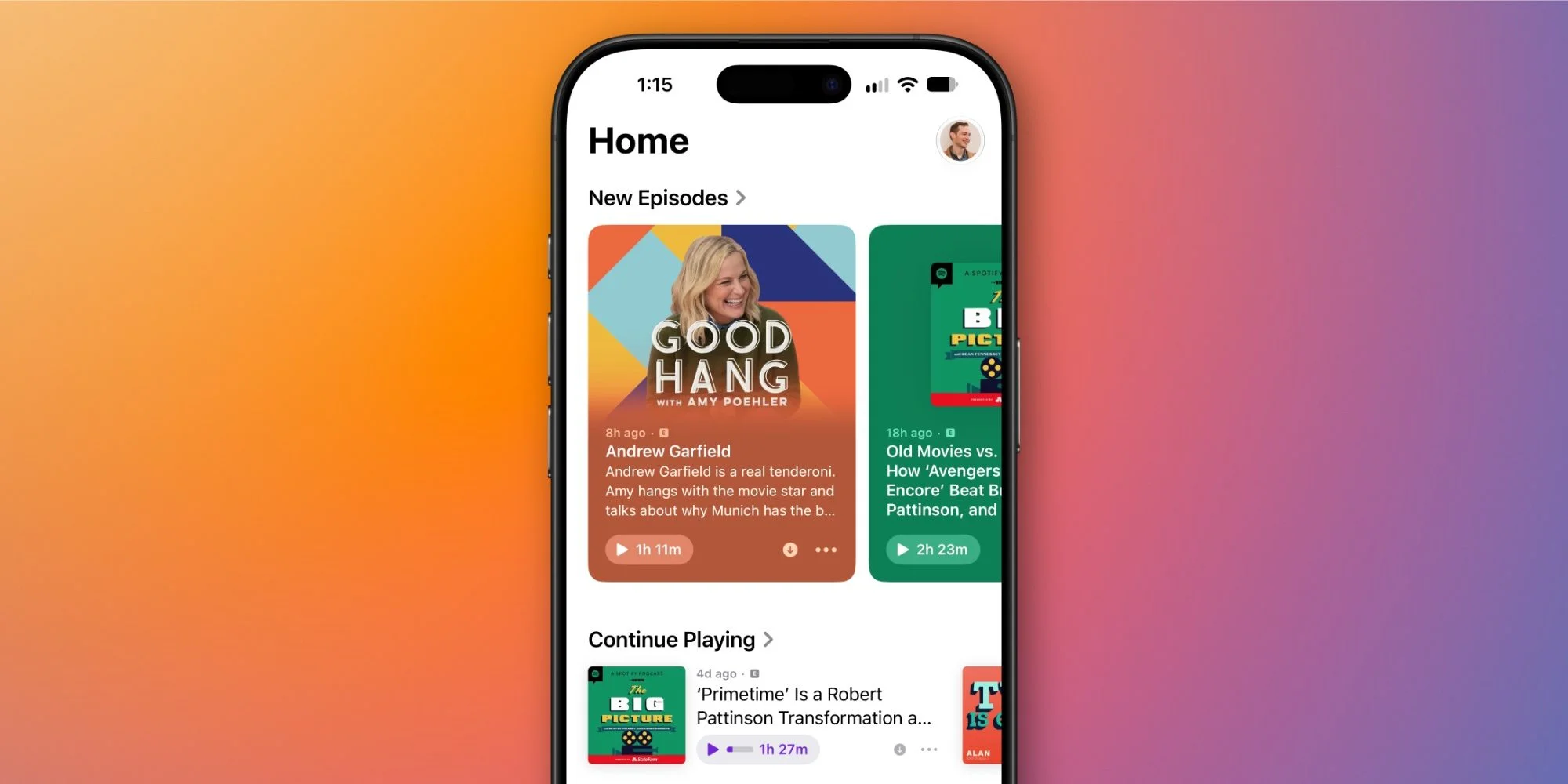
Apple Podcasts reorganizes the Up Next area on its Home tab into two queues. New Episodes collects recent releases from shows a user follows; Continue Playing gathers episodes they started but haven’t finished. The labels make the distinction explicit, and the two queues reflect different reasons someone might open the app. One is about what’s arrived; the other is about picking up where they left off.
The split makes those listening tasks easier to scan, especially for people following several shows or switching between episodes. It’s a focused change to the queue rather than a broader redesign, so its value will come down to whether the separation matches a listener’s habits. That said, organizing unfinished listening apart from new releases can make a crowded queue feel more manageable without changing what the app offers.
Games makes the Home tab more useful at a glance
Apple’s Games app will show recently downloaded titles even before a user has played them. Previously, the Home tab surfaced games only after they had some play activity. The update also makes achievement progress and leaderboard scores easier to track there. Showing new downloads earlier gives the tab a clearer role as a starting point, rather than a record of games already in use.
Across these six apps, iOS 27.2 emphasizes clearer queues, more relevant prompts, and controls tied to everyday use. The numbers here are underwhelming in the sense that the update doesn’t introduce one change that will matter to every owner, but its smaller adjustments are aimed at recognizable tasks. What this means for you depends on your devices and routines: the lock tools require compatible hardware, and Dual Capture is limited to newer iPhones. The broader direction is practical—reduce the steps between noticing something and acting on it. How much that helps will depend on whether the prompts and new controls fit the way you already use these apps.