Keeping a stolen Pixel connected may get harder to sabotage. Android 17 QPR3 Beta 2 adds an option to require authentication before changing Wi-Fi, Bluetooth, mobile data, or Airplane Mode from the lock screen. It’s a targeted safeguard: those settings can affect a phone’s connectivity and make it harder for an owner to track.
Protecting the settings that matter
The new control, called Lock Quick Settings connectivity, puts an unlock step in front of the four network controls. Google still leaves everyday shortcuts such as Flashlight, Auto-rotate, and Battery Saver available while the phone is locked. That keeps the lock screen useful while adding friction around settings that can cut off a device’s connection.
To switch it on, open Settings and go to Security & privacy > Device unlock, or Display & touch > Lock screen. Enable Lock Quick Settings connectivity there. Afterward, changing any of the four protected settings requires unlocking the phone.
It’s a modest barrier, not a guarantee that a stolen phone can be recovered. But requiring a PIN or fingerprint before disabling its connections could preserve an owner’s chance to locate it.
A broad round of stability fixes
The beta, released October 20 as build DP11.261002.005, also addresses a long list of reported problems. Google’s Android Beta team said on Reddit that the update fixes intermittent crashes and reboots, Bluetooth pairing failures, elevated idle battery use, and problems with the Internet Quick Settings tile.
The published fixes cover more than connectivity. They include unexpected shutdowns during WhatsApp video calls; lock screen notifications that overlap other interface elements and make panel animations stutter; screen recordings that stop capturing after rotation; and a black, unresponsive display after a call ends. Google also lists fixes for Dish Network cellular data, MMS, and hotspot connections, plus Wi-Fi calling issues on the IT&E and OXIO networks.
Other entries address a media output dialog that ignored the monochrome theme, a misplaced pin icon in the share sheet, unexpectedly small interface and app rendering, a Linux development environment that wouldn’t start from the Terminal app, and a paired watch that kept ringing after a call was answered on the phone. The release also fixes an Airbnb messaging connection failure, a misaligned Bluetooth subtitle in Quick Settings, and an app drawer that could close when users switched keyboard languages.
- Devices intermittently crash and reboot during normal use. (Issue #570031572, Issue #570031155, Issue #569529428, Issue #569222433, Issue #570414567, Issue #570725957, Issue #569237164, Issue #572493638)
- Internet Quick Settings tile displays persistent text when mobile data is active without Wi-Fi. (Issue #354469154, Issue #367059437)
- Media output dialog ignores the monochrome system theme when external audio devices are connected. (Issue #476304142)
- Pin icon glitches position next to pinned apps in the share sheet. (Issue #476234992)
- Internal PublishedApi declarations trigger unexpected API lint and source compatibility check errors. (Issue #562178518)
- Device unexpectedly shuts down during WhatsApp video calls. (Issue #554451749, Issue #559966303)
- Lock screen in-progress notifications overlap with other UI elements and cause stuttering panel animations. (Issue #547371609, Issue #548539836, Issue #562186670)
- Cellular data, MMS, and hotspot services fail to connect on Dish Network. (Issue #537736046)
- Screen recording freezes and stops capturing frames after screen rotation. (Issue #541325203)
- System UI, fonts, and apps render at an abnormally small scale regardless of configured display size settings. (Issue #563321433)
- Display turns black and becomes unresponsive after ending a phone call. (Issue #564953545)
- Terminal app fails to launch the Linux development environment virtual machine after installation. (Issue #551657934)
- Wi-Fi Aware fails to establish subsequent data paths with a no interfaces available error after releasing an accept-any responder network request during connection confirmation. (Issue #550726291)
- Paired watch continues to ring after an incoming call is answered on the phone. (Issue #564594780)
- Airbnb app fails to connect when attempting to send messages. (Issue #563024453)
- Quick Settings Bluetooth subtitle is misaligned to the right. (Issue #559417120)
- App drawer unexpectedly closes when switching keyboard language. (Issue #558774933, Issue #540389222, Issue #533125590)
- Bluetooth pairing fails due to a connection timeout when attempting to pair with a device. (Issue #563675080)
- VoLTE, VoNR, and Wi-Fi calling are unavailable on the IT&E network. (Issue #556432987)
- High idle battery drain caused by motion sensors remaining active after using Face Unlock or the camera. (Issue #568078965)
- Wi-Fi Calling unavailable on the OXIO network. (Issue #563089593)
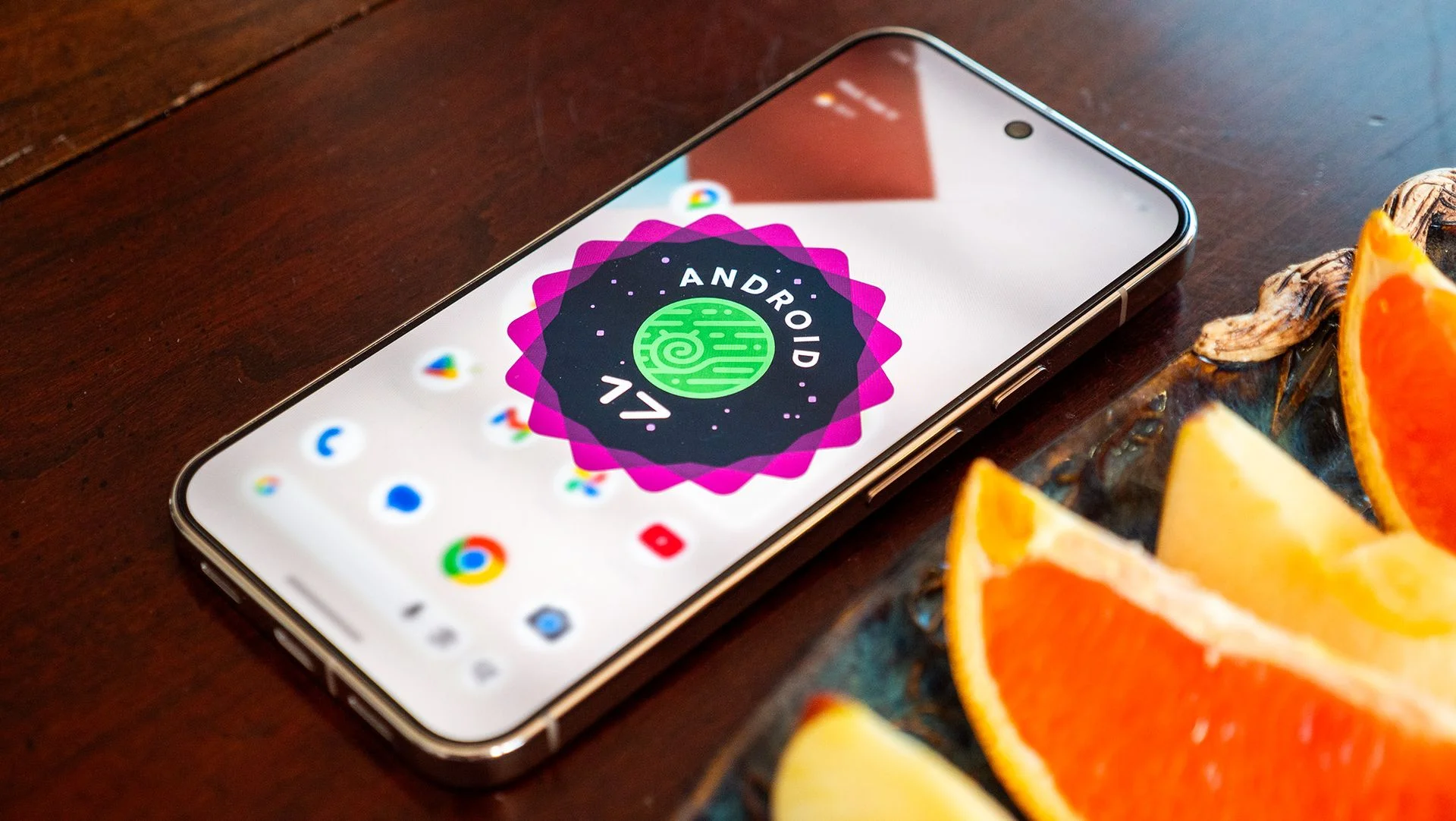
Android 17 QPR3 Beta 2 is available to eligible Pixel devices enrolled in Google’s Android Beta Program. The build’s mix of a focused lock screen control and everyday reliability fixes makes it a meaningful preview, though beta software can still misbehave on a device you rely on.


